Every IPTV setup guide reaches the same sentence sooner or later: paste your M3U URL here. Almost none of them stop to say what that link is, which is why so many people hand it to the wrong field, email it to a friend, or open it in a browser and panic at the wall of text that comes back.
An M3U playlist is the plainest thing in the whole chain. It is a text file. It holds a list of channel names and, under each one, the address the video comes from. Your player reads that file, draws a grid, and plays whichever address you click. That is the entire mechanism, and understanding it turns most IPTV problems from mysteries into two-minute checks.
What an M3U file actually contains
Open one in Notepad and there is no mystery left. The format was invented in the 1990s for Winamp, to remember the order of MP3 files, and it never got more complicated than it needed to be. A modern IPTV playlist is the same idea with stream addresses where the song paths used to be.
The first line is always #EXTM3U, which is how a player recognises the file at all. After that, channels come in pairs of lines:
What two lines of a playlist look like
#EXTINF:-1 tvg-id="skysports1.uk" tvg-logo="https://.../sky1.png" group-title="Sports",Sky Sports Main Event
http://your-server.com:8080/live/username/password/12345.ts
The first line is a label, the second is where the video comes from. Everything decorative in the label has a job:
| Tag | What it does | What breaks without it |
|---|---|---|
tvg-id |
Matches the channel to an entry in the guide feed | Channel plays, guide row stays empty |
tvg-logo |
Address of the channel icon | Grey placeholder squares in the grid |
group-title |
Puts the channel in a category folder | One flat list of everything, unsorted |
| Text after the comma | The name shown on screen | Blank or numeric channel names |
That table explains a complaint people raise constantly: channels work but the guide is empty, or the logos are missing. Neither is a broken subscription. The stream addresses are fine; a cosmetic tag is absent or mismatched. It is worth knowing before you spend an evening reinstalling apps.
M3U, M3U8 and the confusion between them
You will see both extensions and they are not interchangeable in the way people assume. M3U8 is the same format saved as UTF-8, which is what lets it hold Arabic, Cyrillic or accented channel names without turning them into question marks. Any IPTV app made in the last decade reads both.
The genuine confusion is elsewhere. The same .m3u8 extension is also used by HLS, Apple’s streaming protocol, for a completely different job: a manifest describing the chunks of one single video and its quality levels. So an .m3u8 can be a list of 800 channels, or the internal plumbing of one stream. Your player knows which from the contents. You only need to notice when someone hands you a link and calls it a playlist — if it opens to a few lines mentioning #EXT-X-STREAM-INF and bandwidth numbers, that is one channel, not a subscription.
Where your playlist URL comes from
You do not build one. When a subscription is activated, the provider’s panel generates a link tied to your account, along the lines of:
http://server-address:8080/get.php?username=xxxx&password=xxxx&type=m3u_plus&output=ts
Nothing is stored on your device. Every time your player opens that address, the server builds the list fresh from whatever your account is currently entitled to — which is why channels added by the provider simply appear, with no action from you.
Your M3U link is a password in disguise
Look at the address again: your username and password are sitting in it as plain text. Anyone holding that link holds your subscription. Do not post it in a forum thread asking for help, do not paste it into a public playlist checker, and do not send it to a friend “just to test” — most accounts allow a limited number of simultaneous connections, and yours is the one that gets locked out.
Two small parameters in that address are worth recognising. type=m3u_plus asks for the version with logos and categories rather than a bare name list, and output=ts versus output=hls changes how the stream is delivered. If a provider gives you both, ts tends to start faster on set-top boxes and hls behaves better on phones and browsers. When something is unstable on one device, swapping that single word is a five-second test worth running before anything else.
Loading a playlist, on whatever you own
The wording changes from app to app, but the shape of the job never does.
Get the link onto the device without typing it
2 min
This is where most first attempts die. A playlist URL is sixty to ninety characters of random-looking text, and entering it with a TV remote on an on-screen keyboard produces a typo roughly every other try. On Android TV and Fire TV, install the Send Files to TV or a remote-keyboard app and paste from your phone. On a Samsung or LG set, use the provider’s web-based loader if there is one. Anything beats the D-pad.
Find the right field
1 min
Look for Add playlist, Load Your Playlist or File/URL, M3U URL or Remote playlist. Choose the URL option, never the file-browser option — a downloaded copy stops updating the moment you save it. Give the playlist a name you will recognise later if the app asks for one.
Add the guide separately
1 min
The playlist has no schedule in it. What fills the programme grid is a second address, usually ending in xmltv.php, that your provider supplies alongside the first. Paste it into the EPG URL or XMLTV field. Skipping this step is the single most common reason people believe their new setup is half-broken.
Let the first load finish
3 min
A large playlist plus a full guide can take two or three minutes to parse the first time, and older sticks will look frozen while they do it. Leave it. Backing out halfway leaves a partial cache, and the app then loads that broken copy on every launch until you clear its data.
Device-by-device walkthroughs, if you want the exact button presses: Firestick, Android TV box, Samsung, LG webOS, Hisense VIDAA, Roku, Apple TV, Kodi and VLC.
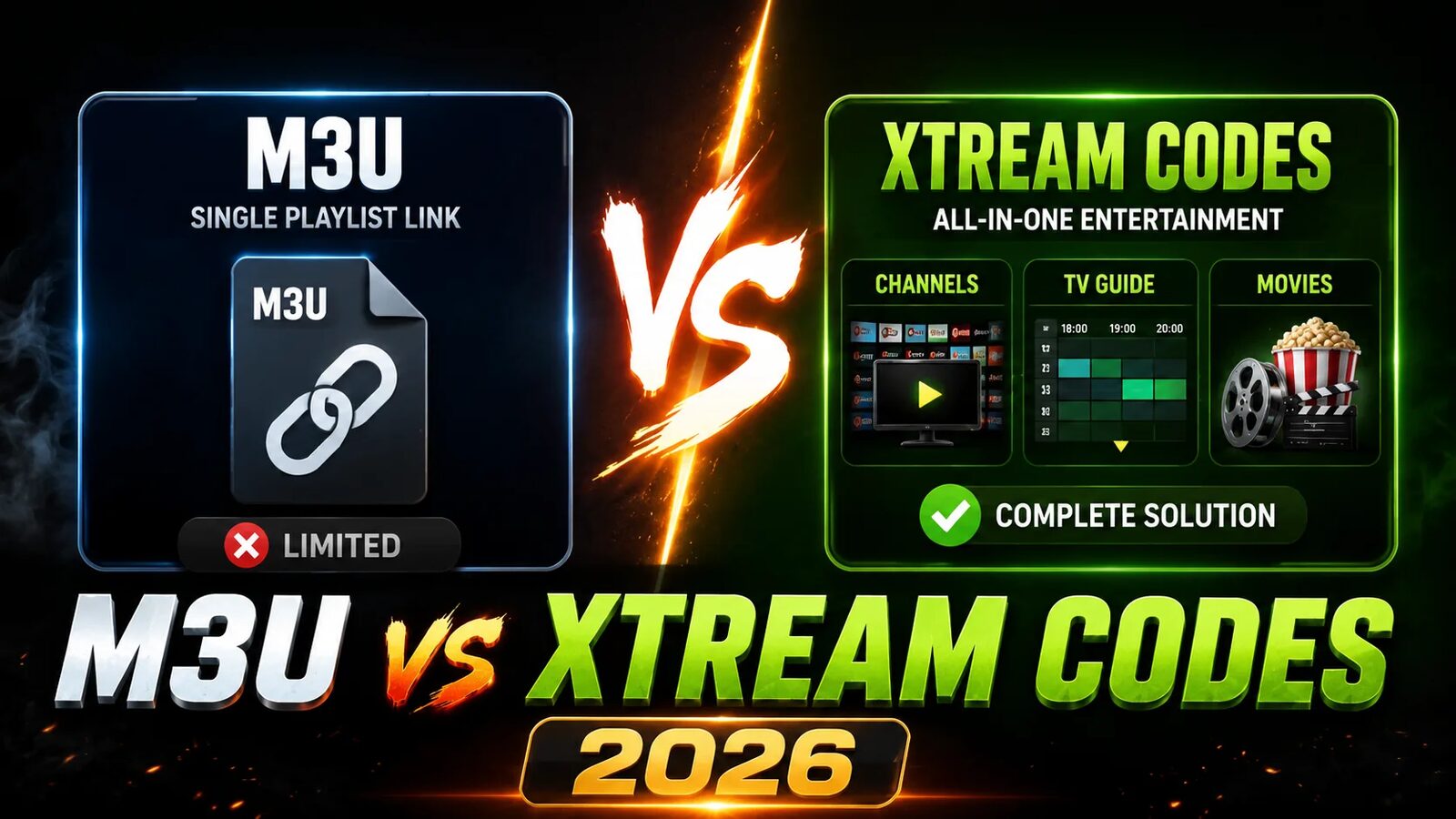
Playlist or Xtream login: which one to give the app
Most serious players offer two ways in, and many people pick the first one they see without knowing the difference. Both use the same account. They do not deliver the same experience.
| M3U playlist | Xtream Codes login | |
|---|---|---|
| What you enter | One long URL | Server, username, password |
| Live channels | Yes | Yes |
| Films and series | Dumped in with the channels, if present at all | Separate sections with posters and descriptions |
| Programme guide | Needs a second XMLTV link | Comes through the same login |
| Loading a big lineup | Whole file parsed on every refresh | Fetched per category, on demand |
| Works in VLC and simple apps | Yes | No |
The rule is short. If the app offers an Xtream login, use it. Keep the playlist for VLC, for a browser, for an old TV app that knows nothing else, and as a diagnostic — a playlist that loads when the login fails tells you the account is alive and the panel’s API is not. We pulled that apart properly in the Xtream Codes guide.
Get a playlist that actually holds up
Formats are easy. A server that does not fold at kick-off is the hard part. Run Zoryflix for 24 hours on the device you actually watch on and judge it on your channels, not ours.
When a playlist will not load
Playlist failures look alarming and are almost always one of six things.
| What you see | Usual cause | Fix |
|---|---|---|
| “Invalid playlist” or “no channels found” | A character lost while typing, or a space at the end | Open the link in a browser — if text appears, the link is good and the typo is in the app |
| Loads once, empty after that | You saved a .m3u file instead of the URL |
Delete it and add the address as a remote playlist |
| Everything gone overnight | Subscription lapsed, or the provider moved server | Ask for a current link; the domain in the URL does change |
| Works on the phone, not on the TV | Connection limit reached, or the TV’s DNS is blocking the host | Close the other device first; then try 1.1.1.1 as DNS |
| Channels listed, none play | The list is reachable, the streams are not | Provider-side, or an ISP block — test on mobile data |
| Plays, then stutters constantly | Nothing to do with the playlist | See buffering fixes and speed requirements |
The browser test in the first row is the one to internalise. Paste the URL into any browser. Text pours down the screen: your link and your account are fine, and the problem is in the app. An error page or a blank screen: the link is wrong or the server is down, and no amount of reinstalling will help.
Do not edit the file by hand
It is tempting: download the playlist, delete the 600 channels you will never watch, load the trimmed version. It works for about a week, then your provider adds channels or rotates a server and your hand-made copy quietly points at addresses that no longer exist. Do the pruning in the app instead — every decent player has favourites and hidden categories, and those survive refreshes.
A word on free public playlists
Search for “free IPTV m3u” and you will find thousands of links, plus repositories that update them nightly. The legitimate corner of that world is real: some are lists of genuinely free-to-air national broadcasters, and there is nothing wrong with them. The rest are scraped premium channels on servers that vanish within days, and they are the reason people conclude IPTV is inherently unreliable.
Judge it on time, not on ethics alone. A public list needs re-finding and re-loading every few days, half the entries are dead on arrival, and there is no guide. If you watch television more than twice a week the maths stops working almost immediately. What a paid account buys is not really the channels — it is a link that still works next month.
Frequently asked questions
It is a plain text file listing channel names and the stream address for each one. Your IPTV app reads that list and builds the channel grid you see. The file itself contains no video — only names, a few tags for logos and categories, and one address per channel.
From your provider, at the point the subscription is activated. You cannot create one yourself, because the address embeds credentials the server has to recognise. If you have lost it, ask for it to be resent rather than trying to rebuild it — the server hostname changes from time to time and an old link will not work.
Effectively yes, for IPTV purposes — M3U8 is the UTF-8 encoded version, which handles non-Latin channel names properly. Every current IPTV app accepts both. The one thing to watch is that HLS also uses the .m3u8 extension for single-stream manifests, so a link with that ending is not automatically a channel list.
Because the schedule is not in the playlist. It arrives through a separate XMLTV feed, normally a link ending in xmltv.php, which goes in the app’s EPG or guide field. If you have added it and rows are still blank for some channels, those entries are missing a tvg-id, which is a provider-side labelling gap rather than anything you can fix.
You can load it on as many devices as you like, but you can only watch on as many as your plan’s connection limit allows. Exceeding it does not produce a clear error — you typically get a channel that refuses to start on the second device while the first keeps playing, which is why the problem is so often misdiagnosed as a broken app.
Use the Xtream login wherever the app supports it. It separates films and series from live channels, pulls the guide through the same connection, and loads large lineups on demand instead of parsing the whole list every time. Keep the M3U link for VLC, browsers, older TV apps, and as a quick way to prove your account is alive when a login fails.
A list, and nothing more
The reason this format survived thirty years is that it refuses to be clever. There is no encryption in it, no version negotiation, no vendor behind it — just names and addresses, which is why a file designed for a Windows MP3 player in 1996 is what a 2026 television uses to find the news.
Knowing that changes how you troubleshoot. When channels disappear, you are not debugging IPTV; you are checking whether a text file still reaches your device and whether the addresses inside it still answer. Two browser tabs settle most of it. And if it turns out the addresses are the problem rather than the list, that is a provider question, not a settings one — worth establishing with a free 24-hour trial before you rebuild anything.
The Zoryflix support desk
Written by the same team that answers your messages at 2 a.m. Everything here comes from real tickets — the fixes that worked, in the order they usually work. Something still not right? Message us on WhatsApp.