Open almost any IPTV app and the login screen offers two routes. One wants a long playlist link. The other asks for three boxes: a server address, a username, a password. That second route is Xtream Codes, and the people who pick it end up with films sorted into posters, a working programme guide and a channel list that updates itself — while the people who paste the link get a flat wall of channels and wonder why their setup looks worse than everyone else’s.
Same subscription. Same server. Entirely different amount of the service actually reaching the screen. Here is what the login is, what it can do that a playlist cannot, and what every login error is really telling you.
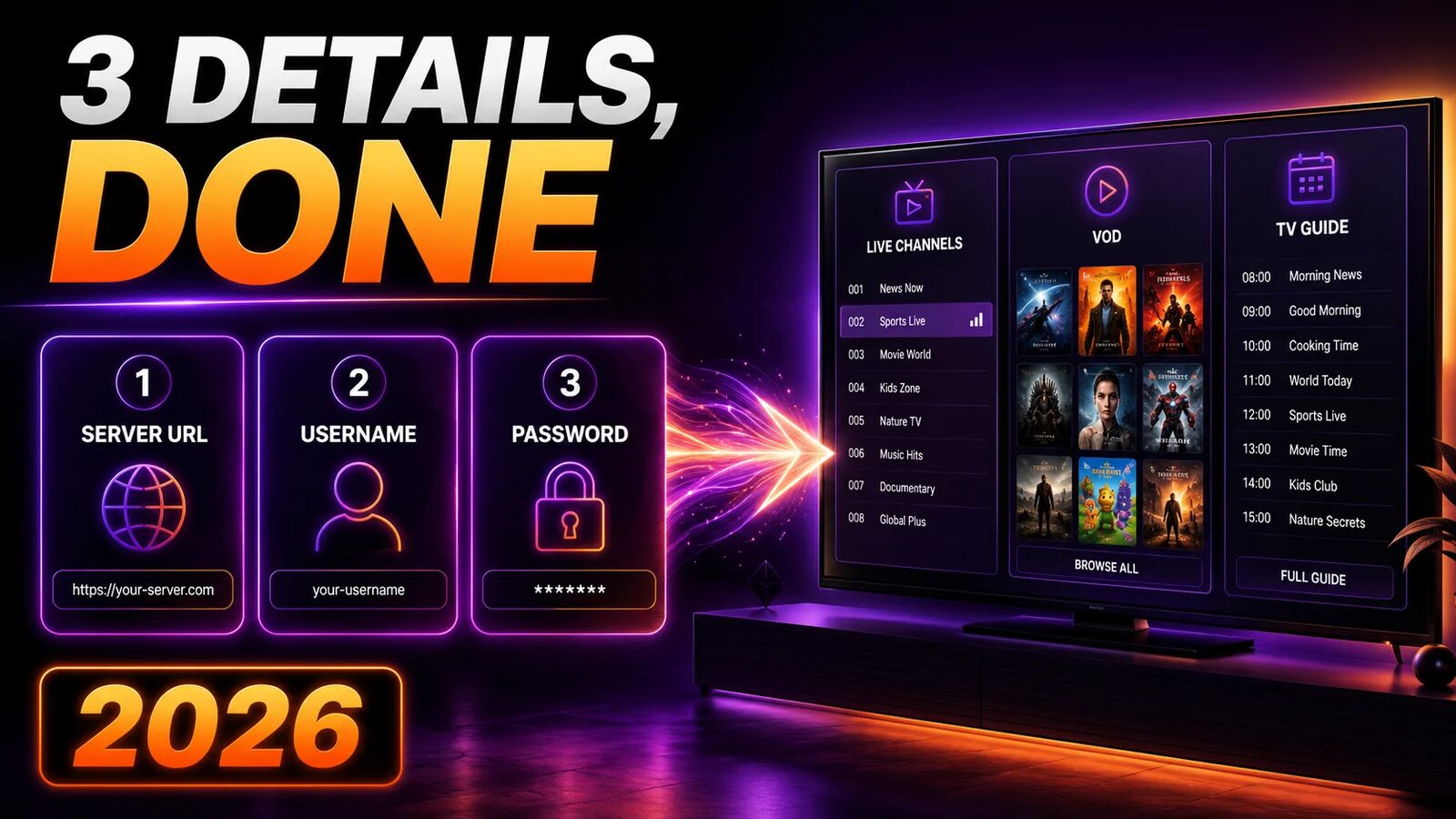
What Xtream Codes actually is
It helps to clear up the biggest misconception immediately: Xtream Codes is not an IPTV provider, and nobody can sell you an Xtream Codes subscription. It is management software — a control panel that providers install on their servers to handle accounts, credit for resellers, channel bouquets, connection limits and streaming.
The part you interact with is its API: a defined set of requests an app can make to that panel. Ask for the live categories and the panel answers with a list. Ask for what is in the Sports category and it sends back those channels and nothing else. Ask about a film and back come the poster, the year, the cast and the runtime.
That request-and-answer structure is the whole difference. A playlist is a monologue — the server hands over one enormous file and the conversation is over. The API is a dialogue, and your app can ask for exactly the piece it needs at the moment it needs it.
Why an app supports a company that no longer exists
The original Xtream Codes operation was shut down by European authorities in 2019. By then its panel was running on a very large number of servers and every serious player app had been written to speak its API, so the format simply carried on without the company. Today’s panels — XUI.one and its relatives — are rebuilt software that deliberately keeps the same API, which is why “Xtream Codes login” still appears in apps updated last month.
The three details, and what each one has to be exactly right
Server URL. The address of the panel, complete with its port: http://line.example-server.com:8080. The port is the part people drop, and the part that breaks logins more than anything else. Common values are 8080, 8000, 2052, 2082 and 25461 — your provider’s number is not guessable, so use the one you were given. No trailing slash, no /c, no /player_api.php; the app appends what it needs.
Username and password. Case-sensitive, both of them. They are the same credentials sitting in your M3U link, so if you have the playlist URL you already have the login: everything after username= up to the & is one, and everything after password= is the other. That trick has rescued a lot of people who lost the welcome email.
http or https. Enter the one your provider specified. Adding an s that the server does not offer produces a connection failure that looks exactly like wrong credentials, and this catches people out constantly on iOS apps, which tend to prefer secure connections by default.
What the login gives you that a playlist cannot
Four things, and none of them are cosmetic.
Films and series stop pretending to be channels
Through a playlist, on-demand content arrives as thousands of extra “channels” jammed into the same list as BBC One. Through the API it lands in its own Movies and Series sections with posters, plot summaries, ratings and — for series — proper season and episode trees. If your subscription includes a VOD library, this alone is the reason to switch.
The guide comes through the same door
No second XMLTV link to find, paste and keep in sync. The panel already knows which schedule belongs to which channel, so the guide populates as part of logging in. This removes the most frequent complaint in IPTV support threads — channels playing above an empty programme grid.
Large lineups stop being slow
A playlist is parsed in full on every refresh. On a Firestick with a fifteen-thousand-entry list that is a genuine wait, every single launch. The API fetches categories first and their contents only when you open one, which is why the same account can feel sluggish through a playlist and instant through a login on identical hardware.
You can see your own account
Most Xtream-capable apps show an account panel: expiry date, how many simultaneous connections you are allowed and how many are in use right now. That last number ends more arguments than any other feature — when a second TV refuses to start a channel, you can confirm in two seconds whether the limit is the reason.
Which apps accept an Xtream login
| App | Where the option lives | Notes |
|---|---|---|
| IPTV Smarters Pro | Login with Xtream Codes API | The default path; see the troubleshooting guide |
| TiviMate | Add playlist → Xtream Codes | VOD sections need the paid Premium tier |
| OTT Navigator | Playlists → Add → Xtream | Deepest catch-up support of the group |
| Kodi (PVR IPTV Simple) | Recent versions only | Live and guide, no VOD — setup here |
| Smarters Player Lite | Xtream Codes login on first run | The usual choice on Apple TV |
| VLC | Not supported | Playlist only — why that is fine for testing |
If you are still choosing, the player comparison and the TiviMate versus Smarters breakdown cover which of these suits which device.
Logging in, step by step
Choose the Xtream option deliberately
1 min
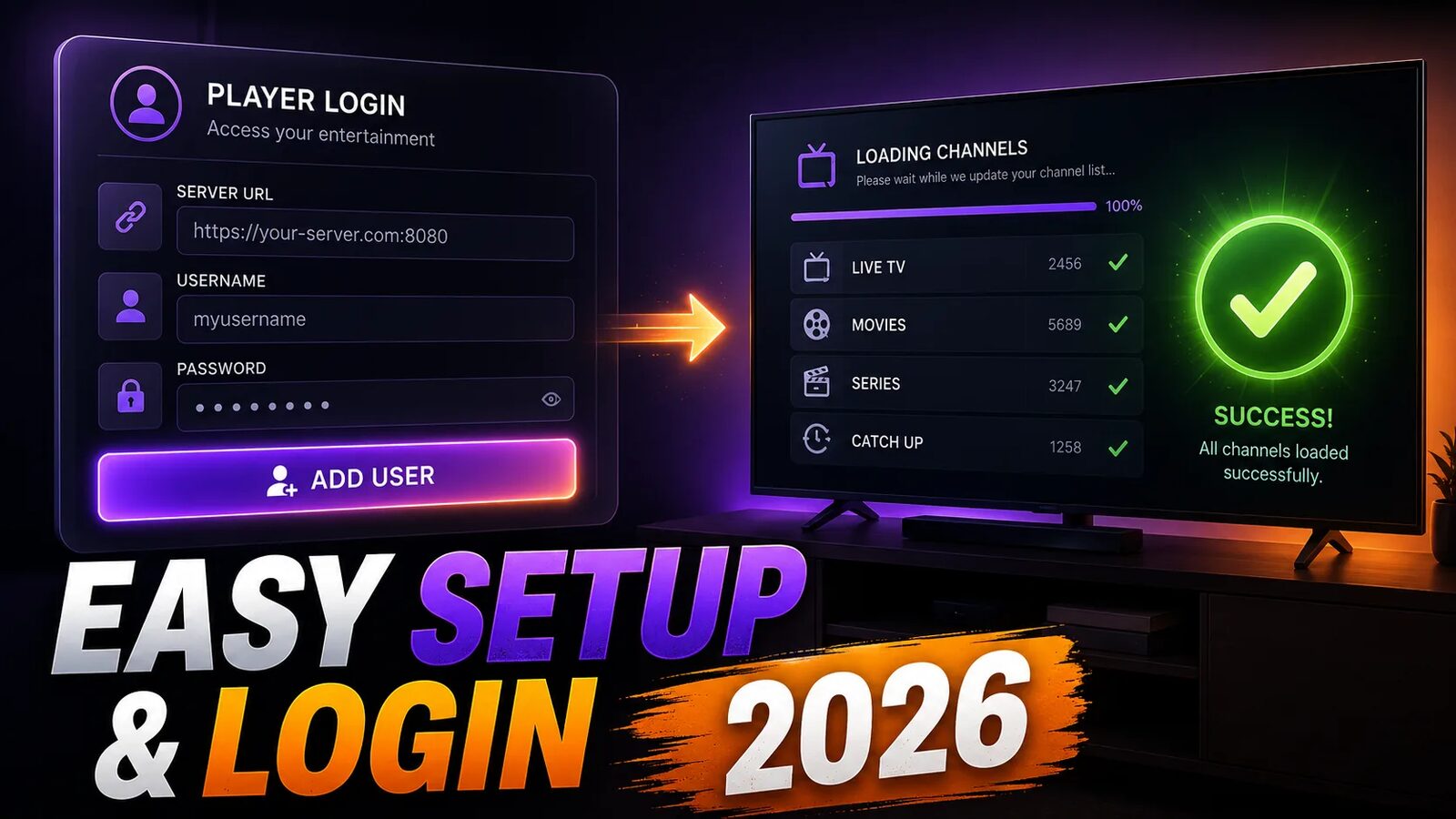
On the first screen, pick Login with Xtream Codes API rather than Load Your Playlist or File/URL. They sit next to each other and look equally valid, which is precisely how so many people end up on the wrong one without realising there was a choice.
Enter the server with its port
2 min
Type the address exactly as supplied, including http:// and the port number after the colon. Some apps split this into separate host and port boxes — in that case the host goes in without the protocol and the number goes in the small field beside it. Never add a path on the end.
Paste the credentials rather than typing them
2 min
Xtream usernames tend to be random strings where lowercase L, uppercase I and the digit 1 are indistinguishable on a television at three metres. Paste from a phone using a remote-keyboard app, and check for a space picked up at the end — trailing spaces are invisible and rejected.
Let the first sync complete, then check the expiry date
3 min
The first login pulls categories, channels, VOD metadata and the guide, which takes a few minutes on a large account. When it finishes, open the account information screen. A correct expiry date and a sensible connection count confirm the login worked properly rather than falling back to a cached list.
A login is only as good as the panel behind it
The API is identical everywhere. What differs is whether the server answers at 8pm on a Saturday. Take 24 hours on Zoryflix and watch what you would normally watch.
Every login error, and what it actually means
| Message | What it usually is | What to do |
|---|---|---|
| Invalid username or password | A missing port, or the wrong http/https | Fix the server line first — it is the cause far more often than the credentials |
| Unable to connect / network error | The host is unreachable from this network | Test on mobile data. If it works there, your ISP or router DNS is blocking it |
| Account expired | Usually accurate, occasionally a clock problem | Check the device’s date and time zone before contacting anyone |
| Maximum connections reached | Another device is streaming, or a crashed session is still open | Close other devices; a stuck session clears itself in a few minutes |
| Logs in, no channels appear | The account has no bouquets assigned | Provider-side. Nothing in the app will fix it |
| Worked yesterday, fails today | The panel moved to a new hostname | Ask for the current server address — this is routine, not a red flag |
One diagnostic settles most of these in under a minute. Take your M3U link — the one with the same username and password in it — and open it in a browser. If a list of channels comes back, your account is alive and the streaming side is fine, so the failure is specific to the API: almost always the port or the protocol. If the browser also fails, the problem is the account or the server, and no amount of retyping the password will change that.
Xtream Codes versus an M3U playlist
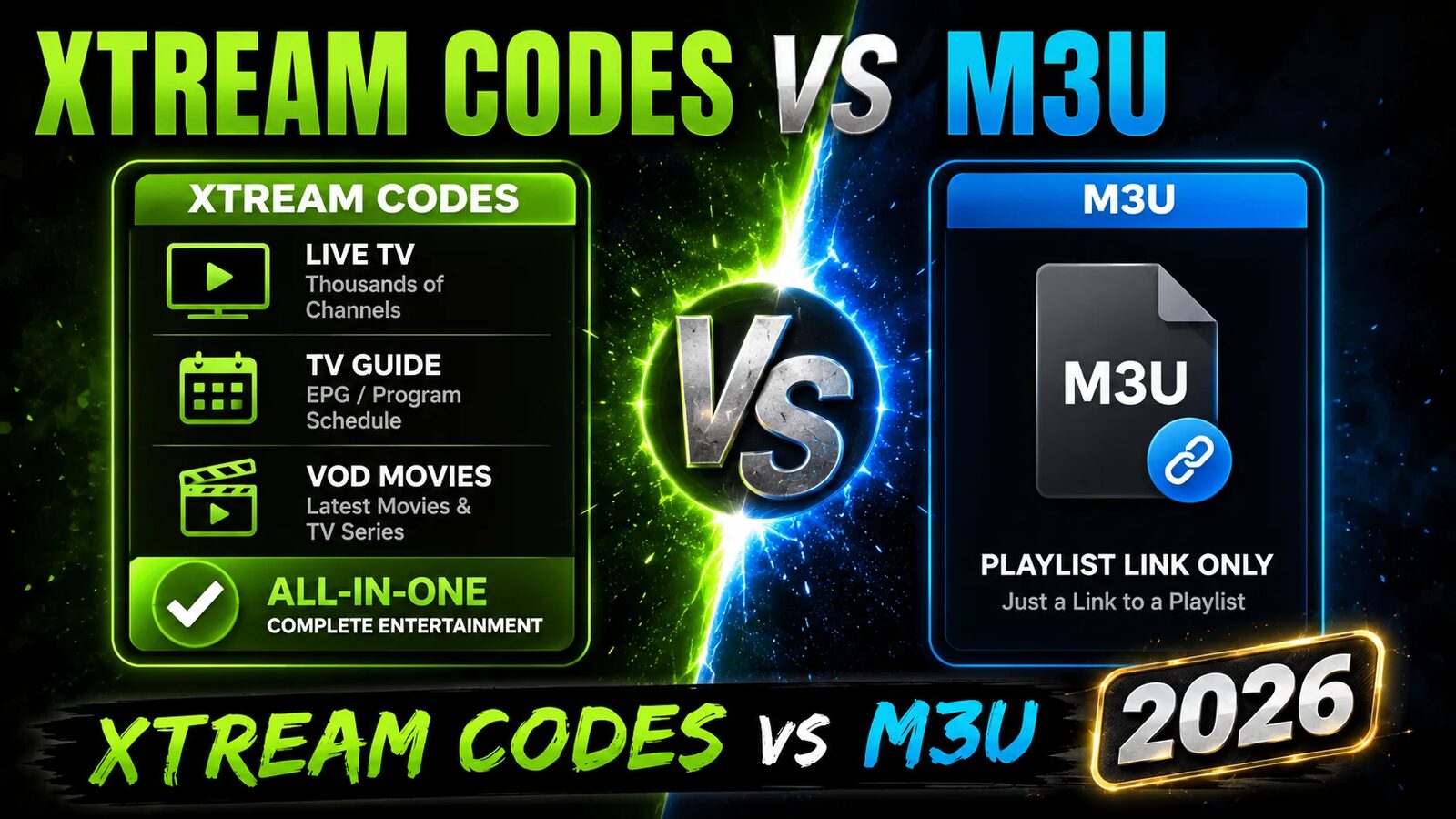
Keep both. Use the login for daily watching, and keep the playlist link for three specific jobs: VLC and browsers, which do not speak the API at all; older smart-TV apps that only ever offered one field; and diagnosis, where a working playlist alongside a failing login narrows the fault immediately.
The full anatomy of the playlist side — what is inside the file, why the guide is separate, and why you should never edit it by hand — is in the M3U playlist guide.
Guard the three details
Server, username and password are your entire subscription. Handing them to a stranger in a support thread, or into an “Xtream account checker” website, gives away the account — and since every panel enforces a connection limit, the person locked out afterwards is you. Any genuine provider troubleshoots with the username alone.
Frequently asked questions
It is the management panel providers run on their servers, plus the API their panel exposes to apps. When an IPTV player offers Login with Xtream Codes API, it means the app will talk to that panel directly using a server address, username and password instead of downloading a playlist file.
Your provider sends them when the subscription is activated. If you only have the M3U link, the details are inside it: the part before the colon and port is your server, the value after username= is your username, and the value after password= is your password. Copy them out carefully and you can log in without waiting for support.
In most cases the credentials are correct and the server line is not. Check that the port number is present after the colon, that you used http or https exactly as your provider specified, and that there is no trailing slash or path. After that, look for a space accidentally copied onto the end of the username or password.
For daily use in a modern app, yes. It separates films and series from live channels, carries the programme guide on the same connection, loads big lineups faster, and shows your account status. The playlist remains useful for VLC, browsers, older TV apps and for testing whether an account is alive when a login fails.
The API is a technical interface, and typing a login into an app is not itself an offence anywhere. What matters is the content behind it. Use a service you pay for and are entitled to watch where you live, and treat offers of thousands of premium channels for a few dollars as exactly what they appear to be.
You can set it up on both, but simultaneous viewing depends on your plan’s connection limit. The advantage of the API is that you can see that limit and your current usage in the app’s account screen, so when a second TV will not start a channel you can confirm the reason instead of guessing.
Three boxes, correctly filled
Xtream Codes gets discussed as though it were a feature you buy or a brand you choose. It is neither. It is the way your app and your provider’s server hold a conversation, and the only thing you control is whether the three details you type are exact — which, given how much of IPTV support is spent on a missing :8080, turns out to matter more than any setting further down the menu.
What the login cannot do is improve the server on the other end. If channels drop at kick-off, the API is reporting the problem faithfully rather than causing it. Establish that the source holds up on the device you actually use — a free 24-hour trial answers it in one evening — and then spend your time on the parts worth tuning.
The Zoryflix support desk
Written by the same team that answers your messages at 2 a.m. Everything here comes from real tickets — the fixes that worked, in the order they usually work. Something still not right? Message us on WhatsApp.