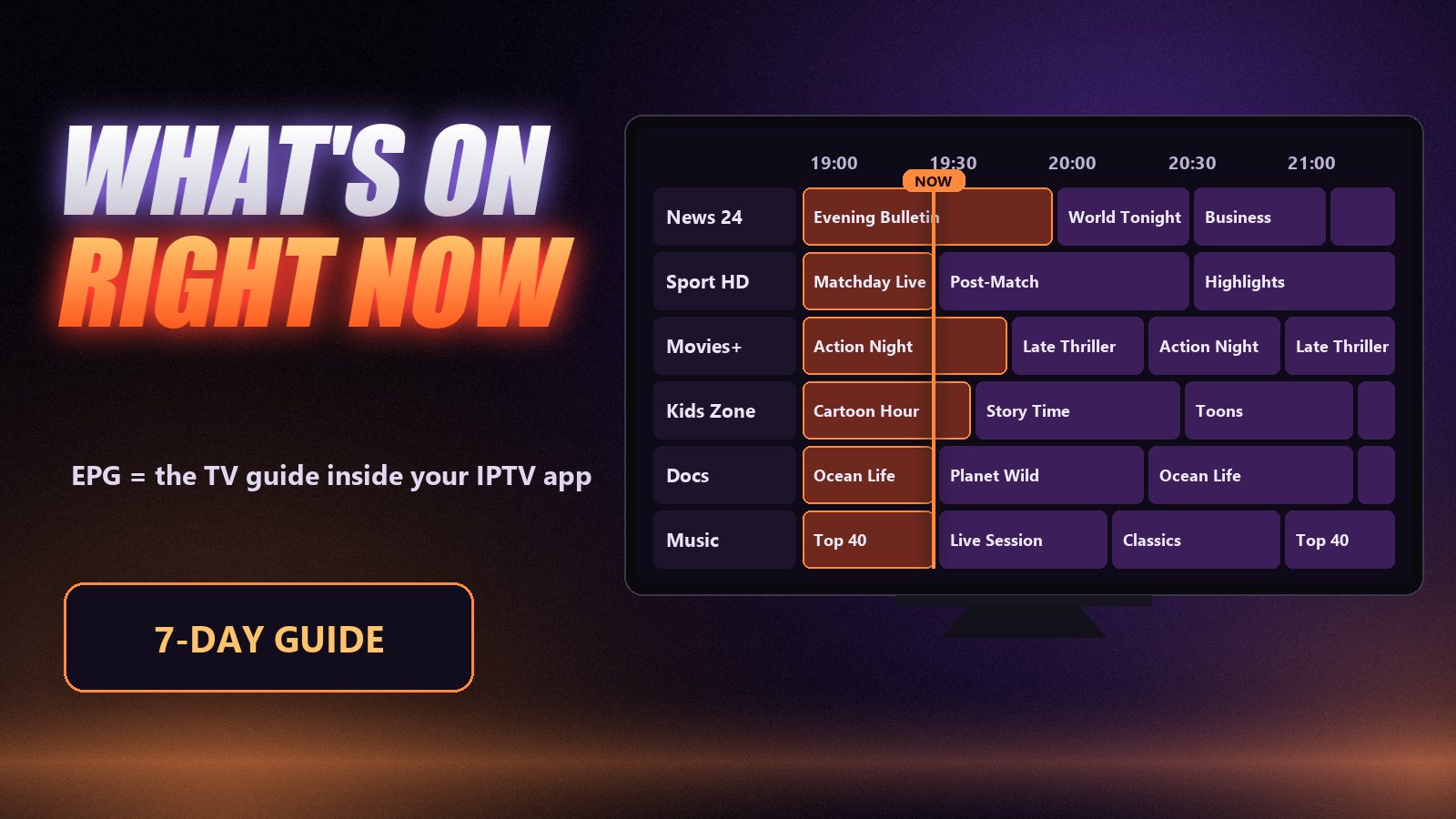
Without a guide, IPTV is a long list of names. You scroll past hundreds of channels with no idea what is on any of them, open one, find a programme halfway through and go back to scrolling. The EPG is what turns that list into television: a grid that tells you what is on now, what comes next and what is on tonight.
It is also the part of IPTV that breaks most often and confuses people most, because the guide does not come from the same place as the channels. Once you know where it comes from, nearly every empty guide can be fixed in a couple of minutes.
What the EPG actually is
The guide is a schedule: for every channel, a list of programmes with a start time, an end time, a title and usually a short description. Some guides add episode numbers, categories and artwork. Your player app reads that schedule and draws it in its own style, which is why the same subscription looks like a polished grid in TiviMate and a simple list in another app.
The schedule is not part of the video stream. A channel can play perfectly while its guide is empty, and a guide can be full while the channel is offline. They are two separate deliveries that the app joins together, and that join is where most problems happen.
Where the guide comes from: XMLTV
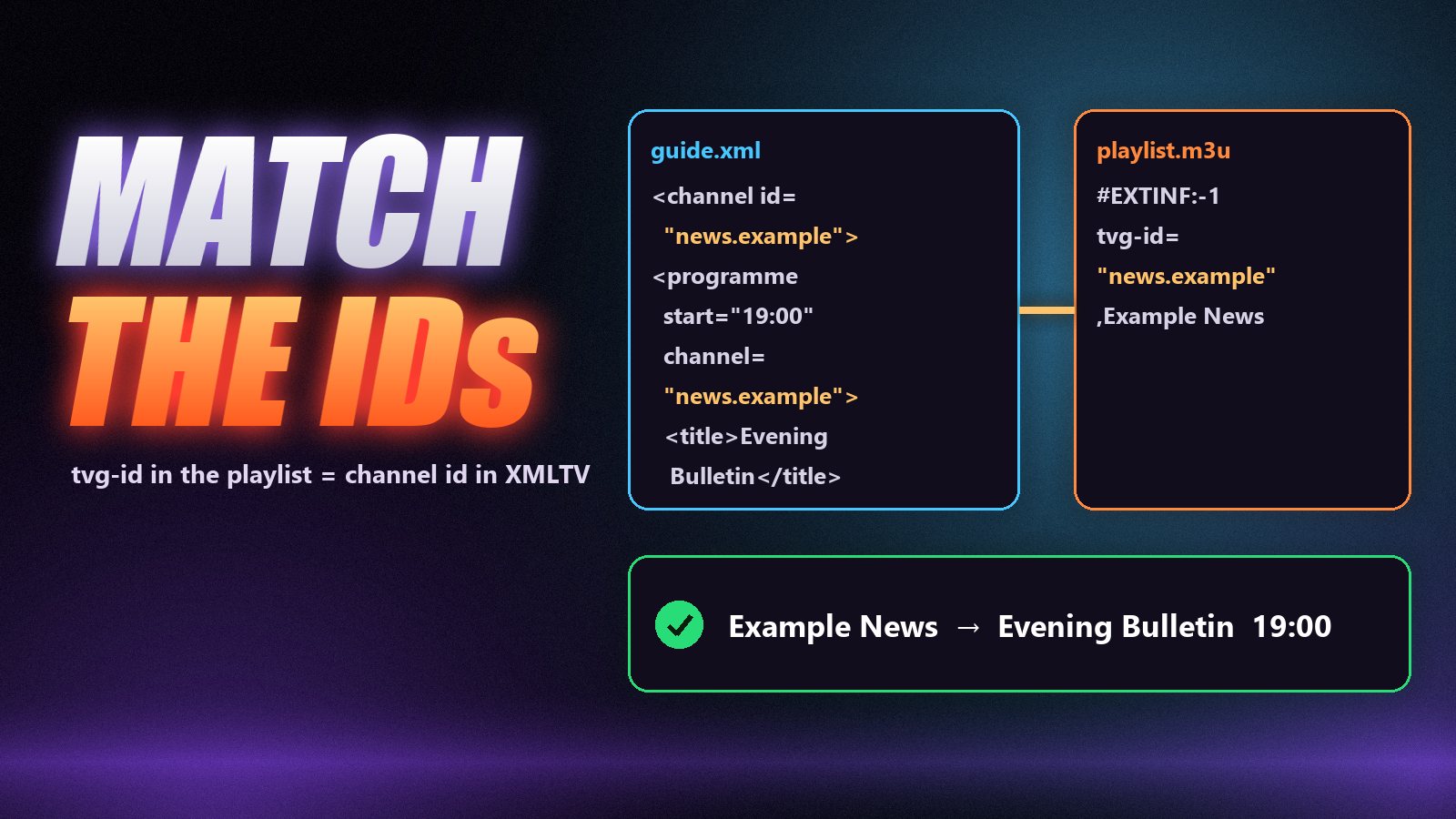
Almost every IPTV guide uses a format called XMLTV, a plain XML file, usually compressed as .xml.gz. It lists the channels first and then every programme, each one tied to a channel ID:
<channel id="news.example">
  <display-name>Example News</display-name>
</channel>
<programme start="20261006190000 +0000" stop="20261006200000 +0000" channel="news.example">
  <title>Evening Bulletin</title>
</programme>
On the playlist side, each channel line carries a matching tvg-id, for example #EXTINF:-1 tvg-id="news.example",Example News. When the two IDs match, the schedule appears under the channel. When they do not, it does not, and no amount of refreshing will change that. Our article on M3U playlists breaks down the rest of that line.
| How you log in | Where the guide comes from | What you need to do |
|---|---|---|
| Xtream Codes (server, username, password) | Sent by the provider’s panel on the same connection | Nothing. Wait for the first load |
| M3U playlist link | A separate XMLTV link, sometimes named inside the playlist header | Paste the EPG link into the app’s guide settings |
| MAG / Stalker portal | The portal itself | Nothing. It comes with the portal |
The easy way round
If your guide is empty on a playlist login, the quickest fix is often not to fix the playlist at all. Log in with the Xtream Codes details instead. The panel already knows which schedule belongs to which channel, so the guide arrives with the channels and the ID-matching problem mostly disappears.
How to fix an empty or wrong IPTV guide
Work through these in order. Most guides come back at the first or second step.
Give the first load time, then force an update
On the first login the app downloads the whole guide and matches it to every channel. With a large lineup on a Firestick that can take several minutes, and the grid looks empty until it finishes. Wait, then trigger a manual refresh: in TiviMate it sits under Settings → EPG → Update EPG; in IPTV Smarters there is a refresh or Install EPG option on the home screen or in settings.
Check that the channel has guide data at all
Not every channel carries a schedule. Round-the-clock film channels, some local stations and event-only feeds simply have no programme data, so the guide shows No information for them however long you wait. If big national channels have a schedule and a few small ones do not, nothing is broken.
Fix the time offset
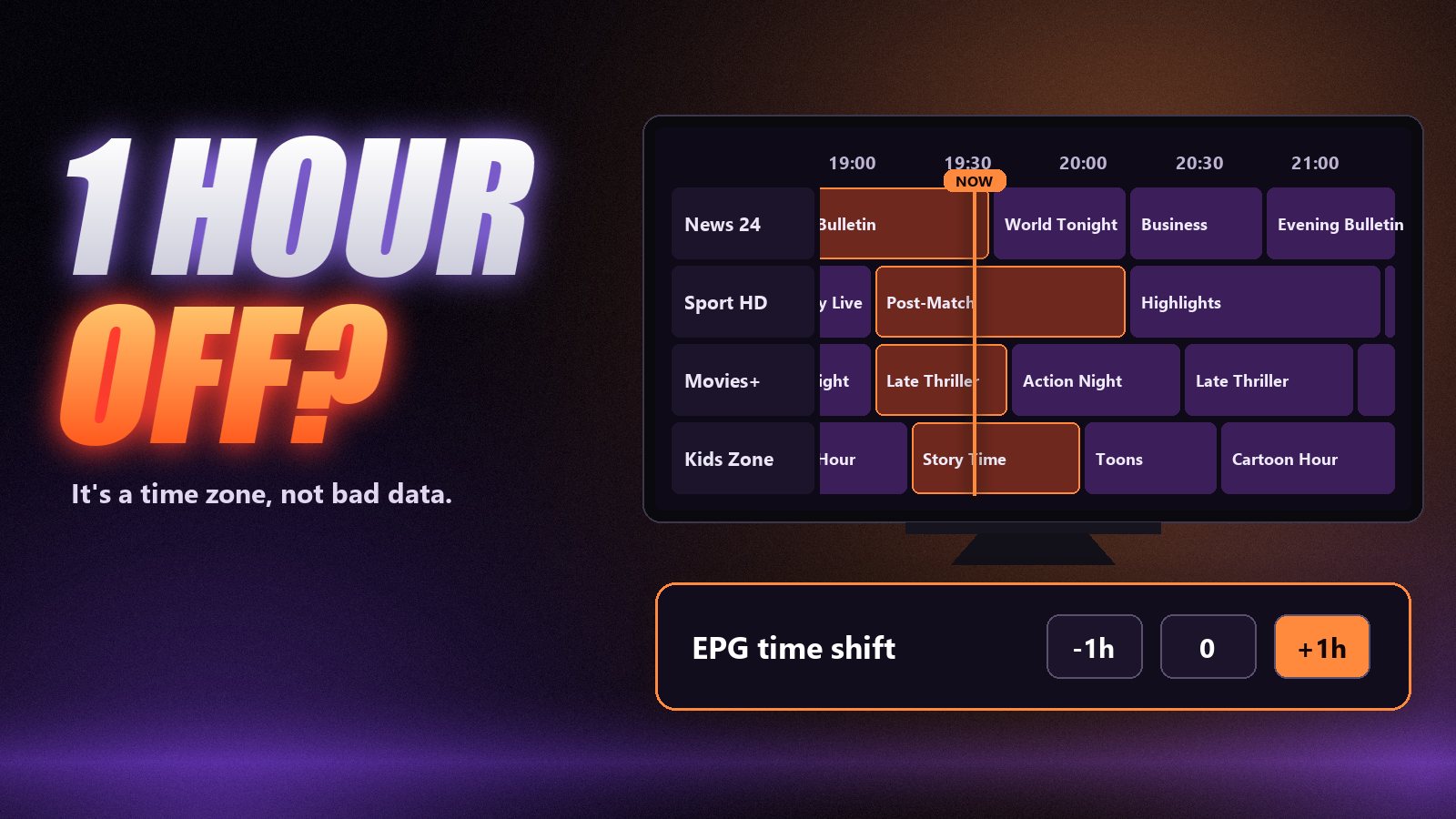
When the guide is full but every programme is an hour or two out, it is a time-zone mismatch, not bad data. First make sure the device clock is set automatically and the time zone is correct. If it is still out, use the app’s EPG time shift (or timeshift) setting and move it by the number of hours it is wrong.
Match the channel to the right guide entry
If a channel shows another channel’s schedule, the link between the two is wrong. Better players let you fix it by hand: in TiviMate, long-press the channel and choose a different guide entry for it. With a playlist, the link is the tvg-id on the channel line, so a wrong ID there produces exactly this symptom.
Lighten the load on small devices
A seven-day guide for tens of thousands of channels is a lot of data for a stick with little memory. If the guide fills slowly, crashes the app or only half loads, cut the number of days kept to three, hide channel groups you never watch, and clear the app’s cache before updating again.
One more cause is easy to miss: when an account expires, the guide stops updating along with the channels. If everything was fine yesterday and the whole grid is empty today, check the expiry date on the account screen before changing any settings.
Why the guide matters beyond “what’s on”
Several features you might not connect with the guide depend on it completely. Catch-up works by picking a past programme in the grid, so a channel with no guide has nothing to pick. Reminders and recordings are set against programmes in the schedule. Even the channel list’s “now playing” line is guide data. When the guide is broken, all of that goes with it, which is why it is worth fixing rather than ignoring. Our guide to IPTV catch-up shows how the two work together.
Which apps handle the guide best
The schedule is the same whichever app you use, but the experience is not. TiviMate has the most cable-like grid and the best tools for fixing mismatched channels. OTT Navigator is close behind and very flexible. IPTV Smarters shows the guide clearly enough but offers fewer controls. Kodi with the PVR IPTV Simple Client handles it well once set up (setup here), while VLC has no guide at all. For the full comparison, see TiviMate vs IPTV Smarters and our list of the best IPTV player apps.
Frequently asked questions
Electronic Programme Guide (Electronic Program Guide in the US). It is the on-screen TV guide that shows what is on now, what is next and the schedule for the coming days on each channel.
Usually because the guide has not finished loading after a login, the channel has no schedule data, or the channel is linked to the wrong guide entry. Wait for the first load, force an EPG update, and check whether only a few channels or all of them are affected.
If you log in with Xtream Codes, the guide comes from your provider automatically and there is nothing to add. With a playlist login, open the playlist settings and paste the XMLTV address your provider gave you into the EPG field, then refresh the guide.
The guide data is published in one time zone and your device is displaying it in another, or the device clock is wrong. Set the clock to automatic and, if needed, adjust the EPG time shift in the app by the number of hours it is off.
Not much. The guide is downloaded as a compressed file, typically once a day, and is small compared with a single hour of HD video. Its cost is in memory and processing on small devices, not in internet usage.
Yes. Every Zoryflix plan includes the full 7-day EPG. With an Xtream Codes login it loads automatically in apps such as TiviMate and IPTV Smarters, and we send the separate XMLTV link for players that use a playlist.
A guide you can trust
The EPG never gets a mention in IPTV adverts, and it shapes the daily experience more than the channel count does. A full, correctly timed guide is what makes IPTV feel like television rather than a directory. If yours is empty, it is almost always one of five fixable things above. If you would like to see a guide that works from the first login, try Zoryflix free for 24 hours: the 7-day EPG comes with every plan.
The Zoryflix support desk
Written by the same team that answers your messages at 2 a.m. Everything here comes from real tickets — the fixes that worked, in the order they usually work. Something still not right? Message us on WhatsApp.