TiviMate is the IPTV player most people end up with on a Firestick or Android TV box: a grid guide that looks like cable, fast channel switching and a layout built for a remote control. It is free to install. It is also deliberately limited until you pay for TiviMate Premium, and the free version stops being enough quite quickly.
So what does Premium cost, what exactly does it unlock, and do you need it? Here is the straight answer, including the cases where the free tier is fine.
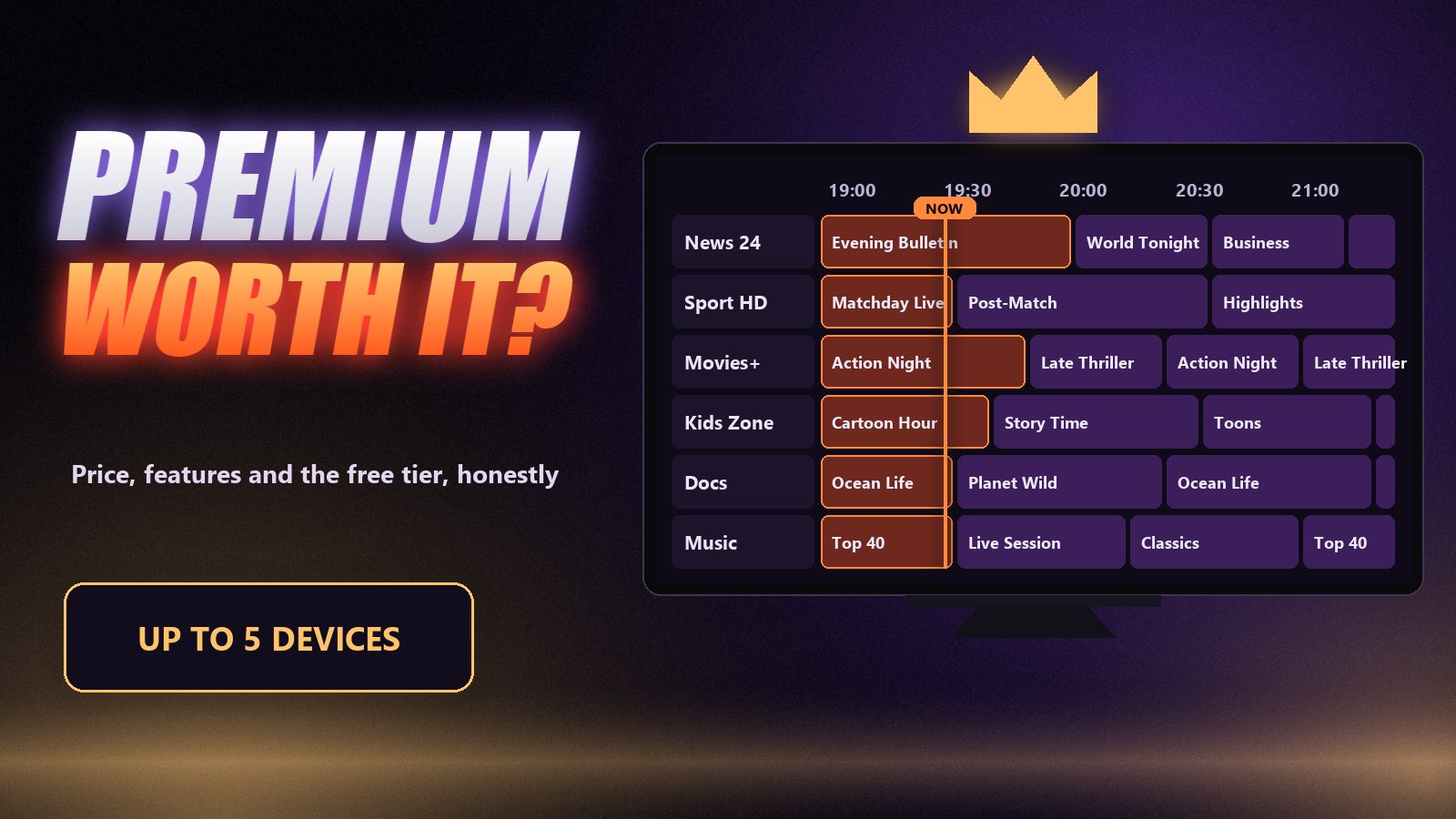
Free vs Premium: what you actually get
The free tier plays live channels with the guide from a single playlist. That is a good way to try the app. Most of what makes TiviMate worth choosing sits behind Premium.
| Feature | Free | Premium |
|---|---|---|
| Live channels with grid guide | Yes | Yes |
| Number of playlists | One | Several, switch between them |
| Favourites and custom channel groups | No | Yes |
| Catch-up from the guide | No | Yes |
| Recording (to device or USB) | No | Yes |
| Multi-view (several channels on screen) | No | Yes |
| Films and series sections | No | Yes |
| Reminders, parental lock, more guide controls | Limited | Yes |
The developer adjusts the split from time to time, but the pattern has held for years: watching is free, organising and going back in time are Premium. For most households the dealbreakers are favourites and catch-up. Without favourites you scroll the full list every evening, and without catch-up the guide only looks forward.
How much TiviMate Premium costs in 2026
There are two ways to pay: a yearly subscription or a lifetime licence, a single payment that covers the app for as long as the developer supports it. For most of TiviMate’s history that has meant about $5 a year or about $20 for lifetime in the US. Prices have been raised over time, are set per country and include local tax, so we will not quote a figure that may be out of date by the time you read this. The TiviMate Companion app shows the current price for your account before you confirm.
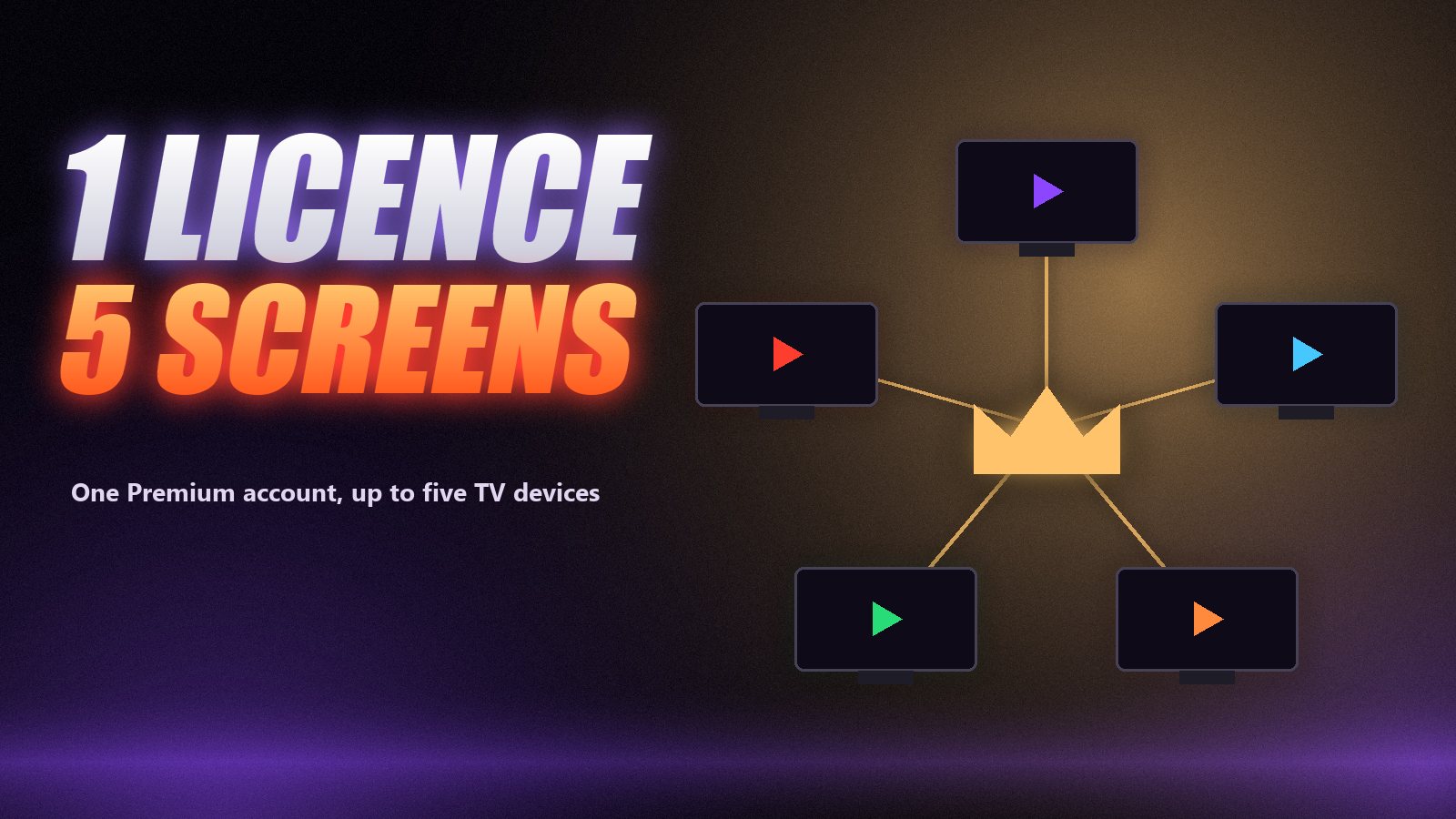
Two things make it better value than the headline suggests. One account covers up to five devices, so a whole house of Firesticks shares a single licence. And on lifetime, the cost per year falls quickly: anyone planning to use TiviMate for more than three or four years is usually better off with the one-off licence.
TiviMate Pro and TiviMate Premium are the same thing
You will see people ask for “TiviMate Pro” or “TiviMate Premium unlocked”. There is only one paid version, called Premium, sold through Companion. Anything else offered under the name, especially a ready-made APK, is a modified copy of the app.
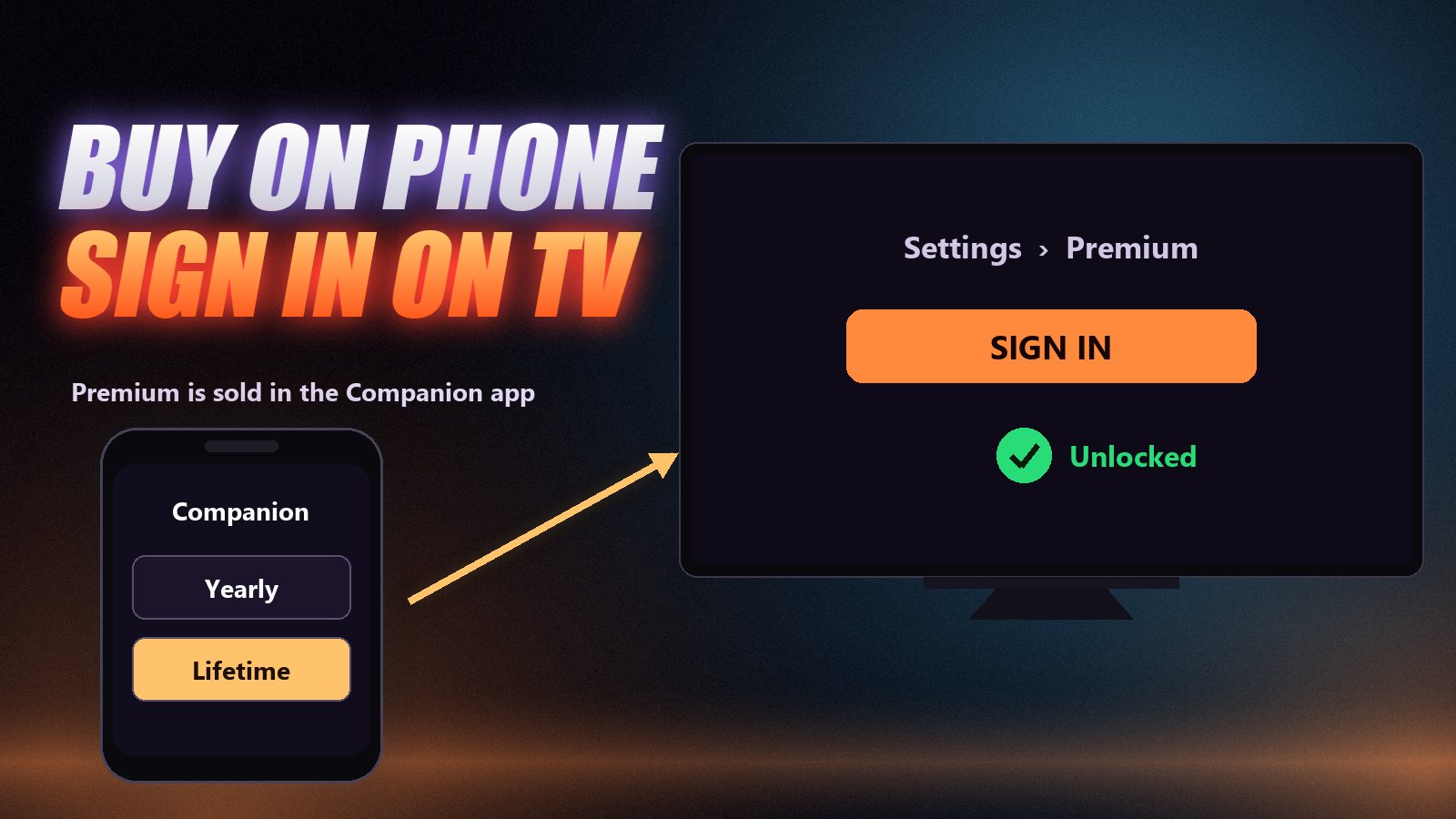
How to activate TiviMate Premium
Install TiviMate on the TV device
On a Firestick, Fire TV, Google TV or Android TV box, install TiviMate and add your playlist or Xtream Codes login first. Check that live channels and the guide work on the free tier before you spend anything. Our Firestick guide covers the install if you have not done it before.
Install TiviMate Companion on an Android phone or tablet
Premium is not sold inside the TV app. It is bought through a separate app, TiviMate Companion, from Google Play on an Android phone or tablet. Create an account in Companion and buy the plan there. The price shown before you confirm is the real one for your country, tax included.
Sign in on the TV with the same account
Back on the television, open TiviMate’s settings, go to the Premium or account section and sign in with the Companion account. The Premium features unlock straight away; no reinstall is needed and your playlists stay as they are.
Repeat on your other devices
One Premium account covers up to five devices. Sign in with the same account on each TV device in the house, and remove an old box from the account in Companion when you replace it.
If you only own an iPhone, Companion is not available for it. Borrow an Android phone or tablet for the purchase; once Premium is on the account, everything else happens on the TV.
Is TiviMate Premium worth it?
Worth it if you watch every day, more than one person uses the TV, you follow sport in other time zones (catch-up), you want to record, or you use the on-demand library. For the price of a single month of most services, it fixes the parts of TiviMate you would otherwise fight with daily.
Not needed if you have one playlist, watch a handful of live channels and never use the guide to go back. The free tier does that well. And it is irrelevant if your TV is a Samsung, LG or Roku with no Android device plugged in, because TiviMate will not run there at all: see our guides for Samsung, LG and Roku.
Still choosing a player? Our side-by-side of TiviMate vs IPTV Smarters Pro and the list of the best IPTV player apps cover the free alternatives too.
Why not just use a “Premium unlocked” APK?
Because the saving is small and the risk is not. Modified APKs come from forums and file-sharing sites, nobody has checked what has been added to them, and an app that sits on your home network and receives your IPTV credentials is a bad place for unknown code. They also stop receiving updates, so they break the moment the official app or your device changes. For the price of a takeaway, the official licence is the sensible option.
Frequently asked questions
TiviMate Premium is sold as a yearly subscription or a one-off lifetime licence. For most of its life it has cost around $5 a year or about $20 for lifetime in the US; prices have risen over time and vary by country, so check the exact figure in the TiviMate Companion app before paying.
It can be. You choose between a yearly subscription and a lifetime licence. The lifetime option is a single payment that covers the app for as long as the developer supports it.
Up to five devices. Sign in with the same Companion account on each Android TV, Google TV or Fire TV device, and manage the list of devices from the Companion app.
No. TiviMate is a player only. It needs a playlist or Xtream Codes login from an IPTV provider, and Premium unlocks app features, not channels. You still need a subscription such as Zoryflix for something to watch.
No. TiviMate runs on Android-based TV devices only: Android TV, Google TV and Amazon Fire TV. On Samsung, LG or Roku, use an app available for that platform, or plug a Firestick into the TV and run TiviMate there.
No. Modified APKs come from unknown sources, can carry malware, do not receive updates and break when the official app changes. Premium is inexpensive enough that the risk is not worth it.
The player and the service are two different purchases
TiviMate Premium makes the app better; it does nothing for the streams. A great player on a weak server still freezes at kick-off, and that is the part to test before paying for anything. Set up TiviMate on the free tier, add a free 24-hour Zoryflix trial, and if the channels hold up through an evening, Premium is the one upgrade that makes the daily experience genuinely better.
The Zoryflix support desk
Written by the same team that answers your messages at 2 a.m. Everything here comes from real tickets — the fixes that worked, in the order they usually work. Something still not right? Message us on WhatsApp.