You missed the match because it kicked off at 3 am. You missed the final episode because dinner ran late. On ordinary live TV that is the end of it. On IPTV, if the channel has catch-up, you open the guide, scroll back to the programme and press play, as if it had been recorded for you.
It is one of the most useful features in IPTV and one of the least understood. It works on some channels and not others, in some apps and not others, and when it fails it rarely says why. Here is what it is, where it comes from and how to make it work.
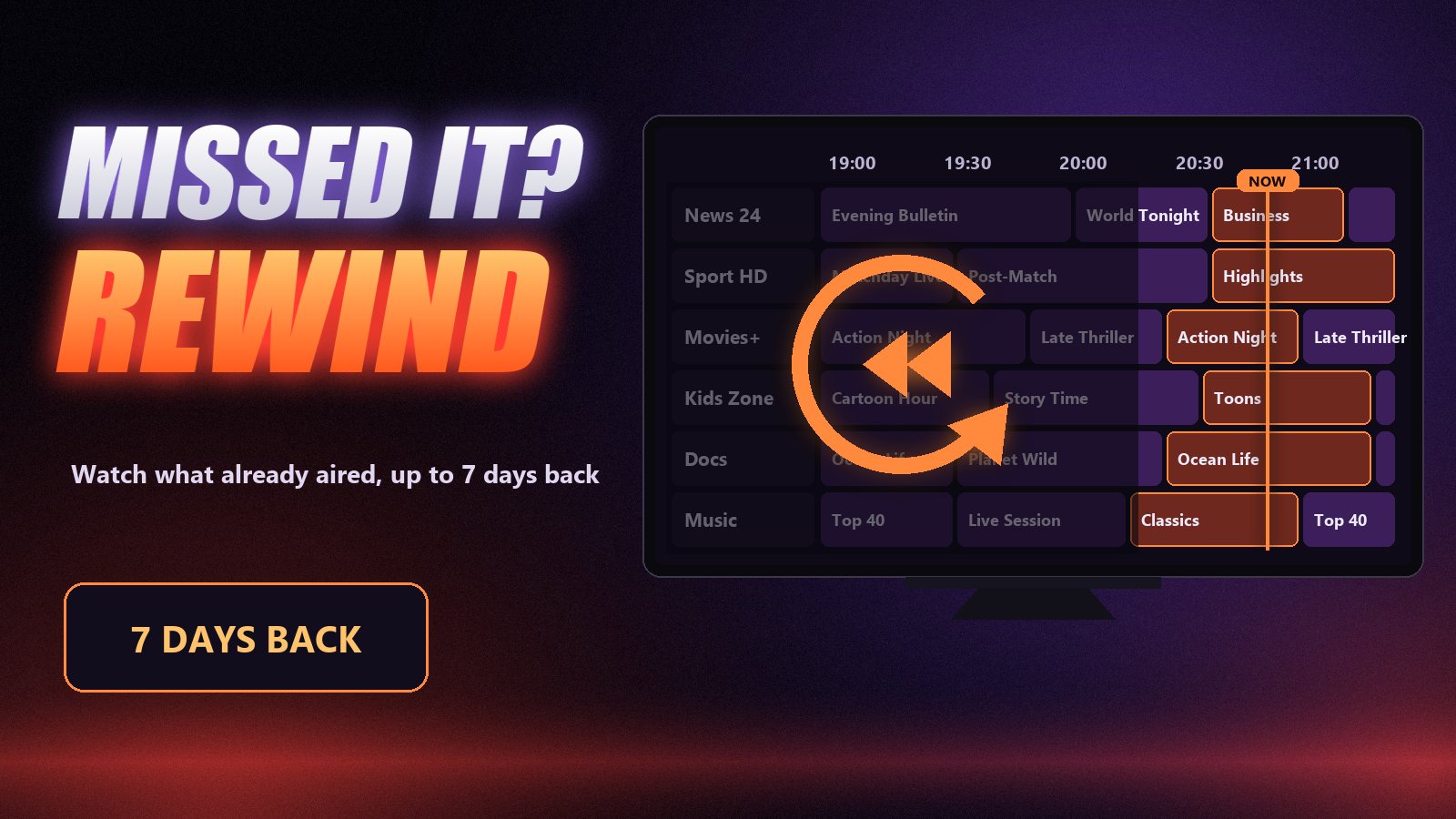
What catch-up actually is
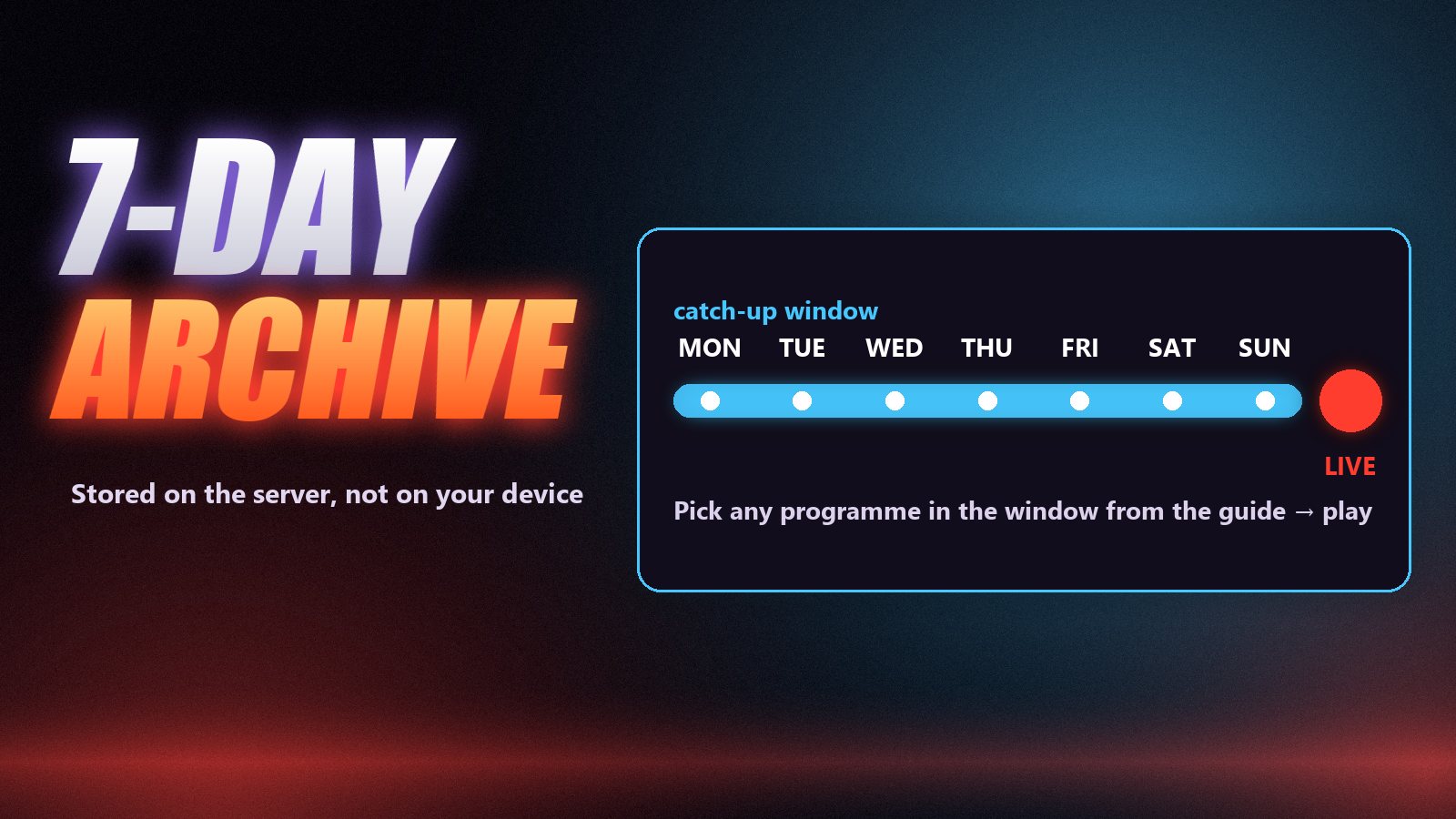
On a catch-up channel, the provider’s server keeps recording the channel continuously and holds on to the last few days. That rolling archive is the catch-up window, and its length, the archive depth, is set channel by channel. When you choose a past programme in the guide, your app asks the server for that slice of the archive, from its start time to its end time, and plays it like an on-demand video.
Different apps and providers call it different things: catch-up, archive, timeshift, TV replay. They all mean the same thing. It is not the same as recording or as the films and series library, and the difference matters when something does not work.
| Catch-up | Recording | On-demand (VOD) | |
|---|---|---|---|
| Where it is stored | Provider’s server | Your device or USB drive | Provider’s server |
| What you can watch | Anything broadcast in the archive window | Only what you set to record | The films and series in the library |
| Planning needed | None | Yes, before it airs | None |
| Time limit | The channel’s archive depth (often 1–7 days) | Until you delete it | As long as the title is listed |
| Needs the guide | Yes | Yes | No |
How to tell which channels have it
Look for the catch-up symbol beside the channel, a small clock or curved arrow in most apps. Behind that icon is information the provider sends about each channel. Through an Xtream Codes login, the panel reports for every channel whether an archive exists and how many days it keeps, so the app knows automatically. In a playlist, the same information is written as attributes on the channel line, such as catchup="default" and catchup-days="7", or tvg-rec="7" on many Xtream-generated lists.
Most of the big channels, the ones people actually want to catch up on, carry an archive. Many smaller and international channels do not. That is normal and is decided channel by channel, not by your plan.
No guide, no catch-up
Catch-up is driven entirely by the programme guide: you choose what to play by its slot in the schedule. If a channel’s guide is empty, there is nothing to choose, even when the archive exists on the server. When catch-up seems dead, check the guide first. Our article on IPTV EPG covers the five usual reasons it is empty.
How to use catch-up, step by step
Find a channel with the catch-up mark
Open the channel list or the guide and look for the catch-up symbol next to the channel name, usually a small clock or rewind icon. Only marked channels have an archive. Note how many days back it goes if the app shows it.
Scroll back in the guide
Move left along that channel’s row in the programme guide, past the current programme and into yesterday. Programmes inside the archive window are selectable; anything older is greyed out or simply will not open.
Pick the programme and press play
Select the programme. In TiviMate a menu offers to play it; in IPTV Smarters, use the Catch Up tile on the home screen, choose the channel, then the day and the programme. Playback starts from the beginning of the slot, and you can pause, rewind and skip within it.
Adjust if it starts in the wrong place
If the right programme starts a few minutes early or late, or you land in the previous show, the guide and the archive are using different time offsets. Adjust the catch-up or EPG time shift by the difference and try again.
Which apps support catch-up
| App | Catch-up support | Notes |
|---|---|---|
| TiviMate | Yes, Premium tier | Plays straight from the guide; see what Premium costs |
| IPTV Smarters Pro | Yes | Dedicated Catch Up section on the home screen |
| OTT Navigator | Yes | Handles the widest range of archive formats |
| Kodi (PVR IPTV Simple) | Yes, recent versions | Catch-up has to be enabled in the add-on settings |
| VLC | No | Live and playlists only; VLC guide |
Why catch-up sometimes will not play
- The channel has no archive. No catch-up icon means nothing to replay.
- The programme is too old. Archive depth is per channel; a two-day archive cannot play last Monday.
- The guide is empty or mismatched. No schedule, nothing to select; the wrong schedule, the wrong programme.
- It plays the wrong show. A time offset between the guide and the archive. Adjust the time shift by the difference.
- A playlist login without catch-up data. Switch to the Xtream Codes login, which carries it automatically.
- It starts, then buffers. Archive playback leans on the server and your connection like any video. The usual buffering fixes apply.
Where catch-up earns its keep: sport in other time zones
For anyone following a league on the other side of the world, catch-up changes the routine. The game is played at night, archived as it airs, and waiting in the guide in the morning. The only trick is protecting yourself from the result: open the TV before your phone, go straight to the channel’s row in the guide and play the slot from the start. Most archives let you skip the pre-match build-up and jump straight to kick-off.
Frequently asked questions
Catch-up lets you watch programmes that have already been broadcast on a live channel, typically from the last one to seven days. The provider’s server keeps an archive of the channel, and you pick a past programme from the TV guide to play it.
It depends on the channel. The archive depth is set per channel and commonly ranges from one to seven days. Your app shows it next to the channel or simply stops letting you select programmes older than the limit.
No. The archive is stored on the provider’s server and streamed to you like any other video. Recording, by contrast, saves the programme to your own device or a USB drive.
Most often the channel has no archive, the guide is empty so there is nothing to select, the programme is older than the archive window, or the app is using a playlist without catch-up information. Logging in with Xtream Codes instead of a playlist fixes the last case in most apps.
TiviMate (in the Premium tier), IPTV Smarters Pro, OTT Navigator and recent versions of Kodi with the PVR IPTV Simple Client all support it. VLC does not.
Yes, on channels where the source provides an archive. Those channels show the catch-up mark in your app, and the 7-day guide included with every plan is what lets you pick the programme you missed.
Live TV without the timetable
Catch-up is the feature that makes IPTV feel less like a broadcast schedule and more like a library of the last week. It depends on three things lining up: a channel with an archive, a guide that is correct, and an app that supports it. Get those right and missed programmes stop being missed. To see how it works on the channels you watch, take the free 24-hour Zoryflix trial and scroll back through yesterday.
The Zoryflix support desk
Written by the same team that answers your messages at 2 a.m. Everything here comes from real tickets — the fixes that worked, in the order they usually work. Something still not right? Message us on WhatsApp.