Every IPTV provider says it has the most channels, the most stable servers and the best support. None of that can be checked from a website. A free trial is the one moment where the claims meet your television, your internet connection and your evening routine, and it costs you nothing but a day.
Most people waste it. They start the trial on a weekday morning, flick through a few channels, see that something plays and buy a year. Then the first big match arrives and the picture freezes. Here is how to run a 24-hour IPTV trial so it actually tells you something.
How an IPTV free trial actually works
There is no special trial app and nothing to install from the provider. You ask for a trial, and the provider creates a temporary account on its panel and sends you the login: a server address, a username and a password, or the same details packed into an M3U link. You type them into whichever player you already use, and the account simply stops working when the timer runs out.
Because it is a normal account with an expiry date, the trial shows you the real thing: the actual channel list, the actual guide, the actual servers. That is precisely why it is worth taking seriously. If you are not sure which login to use, our guide to Xtream Codes logins explains why the three-box login usually gives a better result than the playlist link.
Why trials are 24 hours and not a week
Long free trials get abused. People chain them together with new email addresses and never pay, and some resell trial lines outright. Twenty-four hours is the length most providers settled on because it is long enough to cover one full evening of peak demand and short enough to make abuse pointless. If you need longer, a one-month plan with a money-back guarantee gives you the same safety with far more time.
Start it at the right time
The single biggest mistake is starting the trial at the wrong moment. An IPTV server is rarely under strain on a Tuesday morning. It is under strain at 8 pm on a Saturday when a big match kicks off and thousands of people open the same channel at the same second.
So request the trial around midday or early afternoon. You get the afternoon to set it up calmly on your device, and the evening to put it under real load. If there is a game you care about this week, plan the trial around it. Twenty-four hours that include one prime-time match tell you more than a week of daytime viewing.
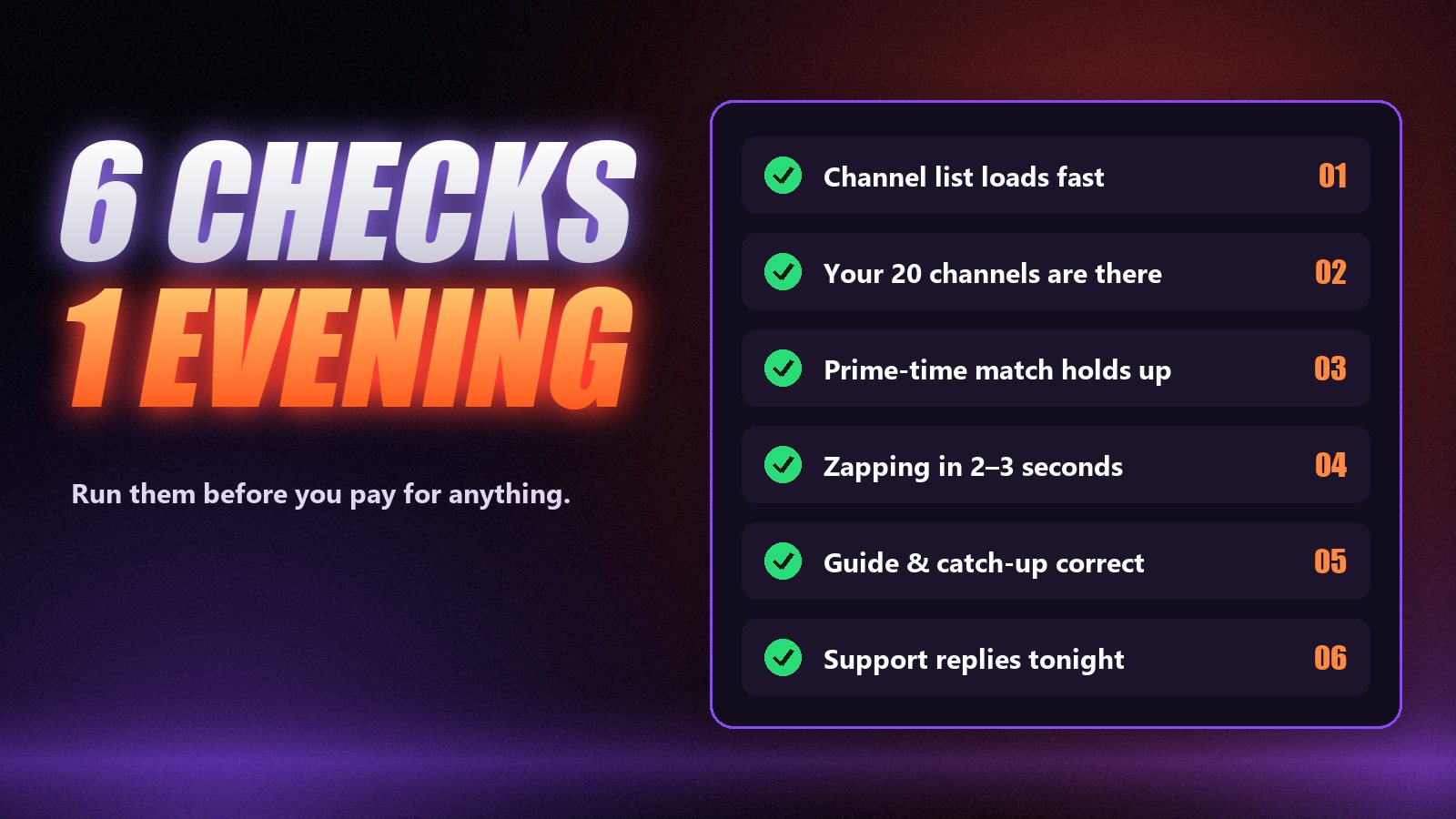
Six checks worth running during the trial
You do not need a spreadsheet, just a notepad and an evening. Run these in order and you will know more about the service than any review can tell you.
Time the channel list and the guide
Note how long the app takes from login to a usable channel list, then how long the programme guide takes to fill. On a Firestick, a large lineup should be browsable within a minute or two of the first login, and the guide shortly after. If it is still spinning after ten minutes, that is the experience you would be paying for every time the app refreshes.
Search for the twenty channels you actually watch
Ignore the headline channel count. Type the names of the channels you really use into the search box — your news channel, your league, the kids’ channel, the one from home — and open each of them. A lineup of 75,000 channels is worthless if the three you care about are missing or play the wrong feed.
Watch a live match in prime time
This is the test that separates services. Open a popular sports channel between roughly 7 and 11 pm your time, ideally during a big game, and leave it running for at least 30 minutes. Servers that look perfect at 10 am fall over when everyone tunes in at once. Count the freezes, not the seconds of buffering at the start.
Zap, then seek
Change channel ten times in a row and count roughly how long each one takes to start. Two to three seconds is normal; eight to ten every time gets old fast. Then open a film from the on-demand library and skip forward to the middle. A decent VOD server jumps there in a few seconds instead of buffering from the beginning.
Check the guide and catch-up against reality
Pick two or three channels and compare what the guide says is on now with what is actually playing. If the times are an hour out, it is usually a time-zone setting you can fix in the app, which is fine. If the guide is empty or belongs to a different channel, ask about it. If the channel shows a catch-up icon, go back a day and play something.
Send support a real question
Message support during the trial with something practical — how to add the guide in your app, or how many devices the plan allows — and time the reply. You will need that channel the first evening something breaks, so it is worth learning now whether a person answers in ten minutes or never.
Test on the device you will actually use
A trial on your phone tells you very little about the television in the living room. Different devices use different apps and different video chips, and they connect differently. Run the trial on the exact setup you will use afterwards: the same Firestick or Smart TV, the same player app and the same connection.
If it is a Firestick, set it up properly first. On a Samsung or LG Smart TV, pick the app you intend to keep. And if the television is on Wi-Fi far from the router, try a cable or a 5 GHz connection for part of the test. That is how you find out whether a freeze is the service or your network. Our page on internet speed for 4K IPTV has the numbers.
| Check | A good result | Walk away if |
|---|---|---|
| Channel list load | Usable within a minute or two | Still loading after ten minutes |
| Your own channels | All present and playing the right feed | Key channels missing or mislabelled |
| Prime-time match | A handful of short pauses at most | Repeated freezes during the game |
| Zapping | About 2–3 seconds a channel | Eight seconds or more every time |
| Guide | Correct, or correct after a time-zone fix | Empty or matched to the wrong channels |
| Support | A person replies the same evening | No reply before the trial ends |
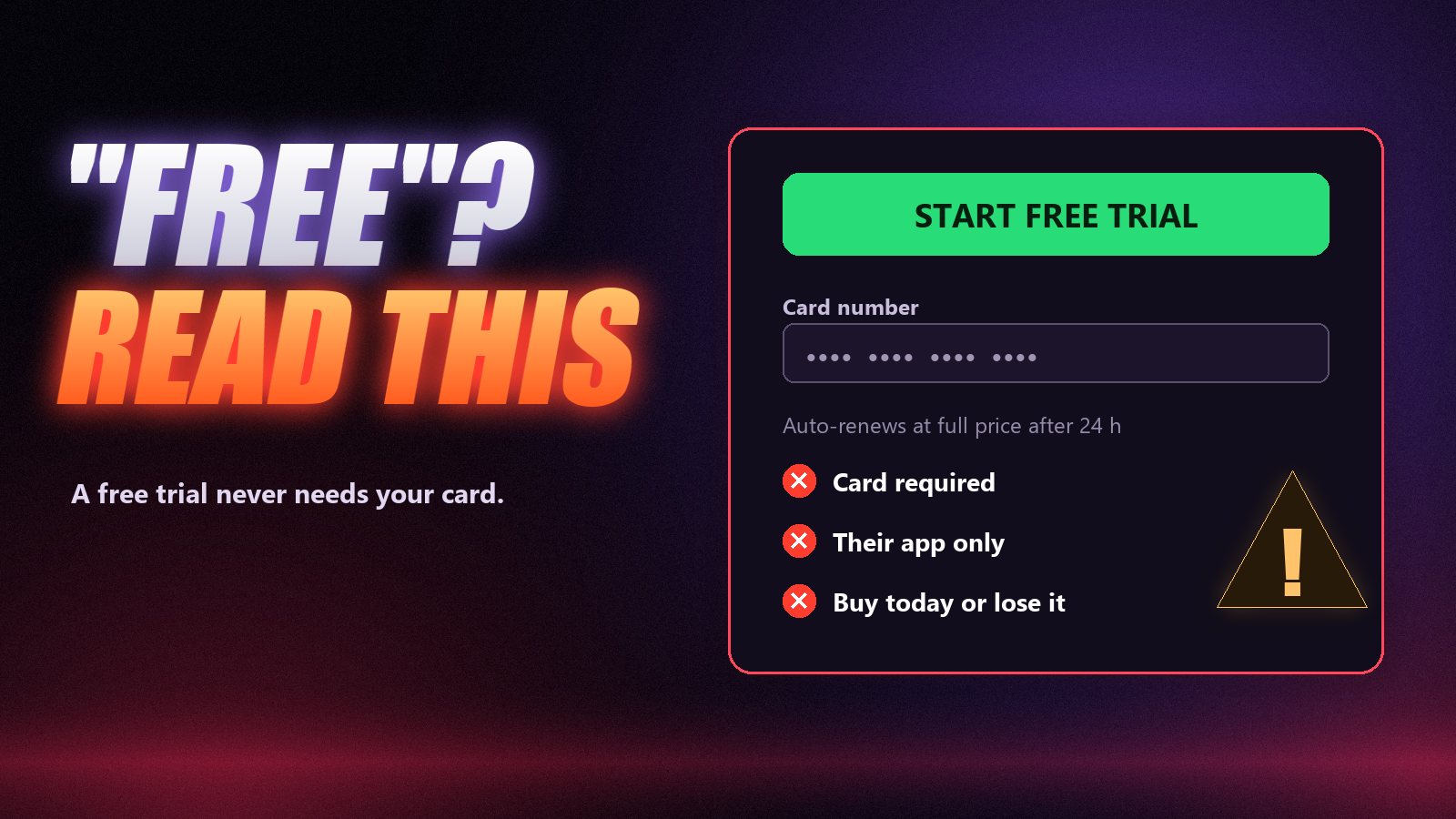
Trial offers to walk away from
A real trial is simple: you ask, you get a login, it expires. Be careful when an offer adds conditions.
- A card for a free trial. The usual reason is automatic conversion into a paid subscription that is hard to cancel.
- A special app only they provide. Any genuine service works in standard players such as TiviMate, IPTV Smarters or VLC. A mandatory unknown APK is a risk to your device.
- “Trial only if you buy today.” Pressure to decide before you have tested defeats the purpose of a trial.
- Remote access to your device. Nobody needs to control your phone or TV to send a login.
- No trial and no refund. If a provider offers neither, every risk is yours.
After the trial: what to buy first
A good trial earns a short plan, not a long one. Buy a month, or three if you are confident, and use it through a few weekends of real viewing. Long plans are where the per-month price drops, and they make sense once you know the service holds up in your home. A money-back window covers the gap between the trial and that confidence: at Zoryflix every plan has a 7-day money-back guarantee.
If you would rather compare the numbers first, our IPTV price guide explains what a fair monthly price looks like and which extra costs to expect.
How the Zoryflix free trial works
Message us on WhatsApp and ask for the trial. We send a 24-hour line within minutes: the full 75,000+ live channels and 260,000+ films and series, on the same servers paying subscribers use. No card, no payment details and nothing renews when it ends. If you need help getting it onto your device, the same chat walks you through it.
Frequently asked questions
Yes. Many established providers, Zoryflix included, send a 24-hour trial line without asking for a card or any payment details. If a “free” trial needs your card, read the terms first: it usually converts into a paid subscription automatically when the trial ends.
Usually 24 hours. Some providers offer 12 or 48 hours and a few offer three days. Twenty-four hours is enough if you start the trial in the afternoon so it covers an evening of peak viewing, which is the only part of the day that really tests a server.
Rarely, because long free trials are abused by resellers who chain them together. A safer equivalent is a short paid plan backed by a money-back guarantee: you get a week or more of real use and can still get your money back if it does not hold up.
It depends on the provider. Some trial lines are cut down, with no adult section, no on-demand library or a reduced channel list. The Zoryflix trial is the same full lineup paying subscribers get, so what you test is what you would buy.
Normally not. Trial lines are almost always limited to one connection. You can log in on a second device to try the app there, but close it on the first device before starting a stream on the second.
Either the provider put trial users on a lighter server, or something changed on your side, such as switching from wired to Wi-Fi or watching at a busier time. Ask the provider directly whether trial and paid lines share the same servers before you buy, and run the trial on the same device and connection you will use afterwards.
Spend the day well
A free trial will not tell you whether a provider is still in business next year, and no website can promise that either. What it does tell you, accurately, is whether this service works on your screen, on your connection, with your channels, at the moment you most want to watch. That is the question that matters, and it takes one well-timed evening to answer. When you are ready, start the free 24-hour trial and run the six checks yourself.
The Zoryflix support desk
Written by the same team that answers your messages at 2 a.m. Everything here comes from real tickets — the fixes that worked, in the order they usually work. Something still not right? Message us on WhatsApp.