A subscription is a stream of data. A player is an interface. The box in between is the part that has to decode 15 to 25 megabits of 4K video, hold a buffer, run an operating system and keep a wireless connection alive at the same moment a stadium camera pans across a crowd — which is the exact moment cheap hardware gives up.
Most of the “my IPTV is freezing” tickets we answer end at the hardware. Not because the box is broken, but because it has a gigabyte of RAM, a fingernail-sized antenna and no way to plug in a cable. This guide is about buying the right one, and about the handful of specifications that genuinely change what you see on screen.
The quick verdict
A 4K streaming stick or current Google TV device — right for most households
Nvidia Shield TV Pro — if you want the ceiling rather than the floor
Spend around the price of two months of subscription and you get a device that handles 4K, runs TiviMate and every other player, and takes an ethernet adapter. Spend four or five times that and the Shield gives you more memory, gigabit ethernet built in, better upscaling and a device that will still be current in five years. Everything between those two points is a matter of taste; everything below the first is a false economy.
What actually matters in the spec sheet
Retail listings lead with numbers that do not matter — 8K support on a device with no 8K decoder, “64 GB storage” on a box that streams everything. Five things do matter.
RAM — 2 GB minimum, 3 to 4 GB comfortable
The operating system takes a share, the player interface and its artwork cache take another, and whatever is left becomes your video buffer. On a 1 GB device there is nothing left, which is why old sticks play the news perfectly and fall apart during a football match: high-bitrate 4K is precisely when a starved buffer runs dry.
A wired network option
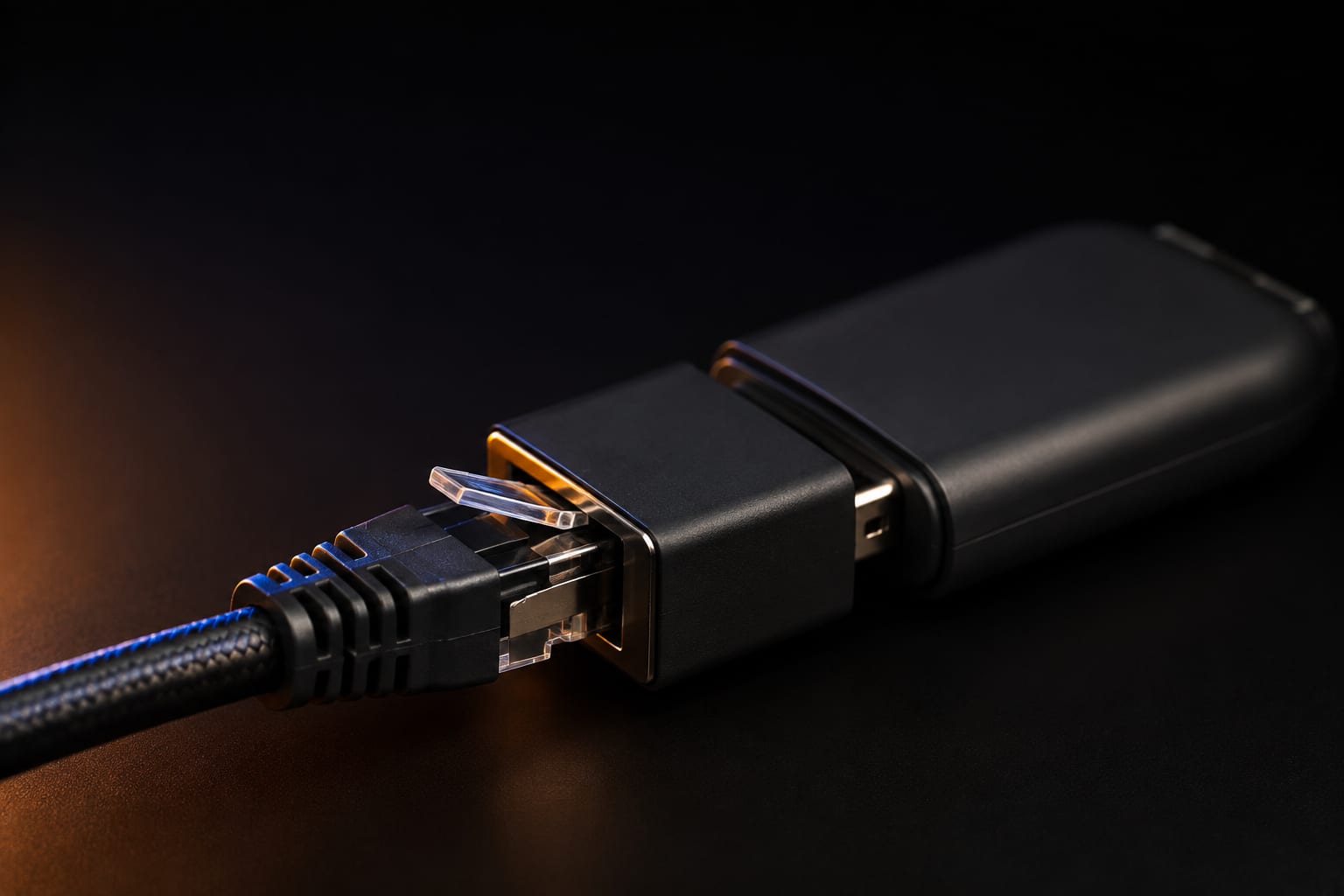
Either a built-in ethernet port or support for a USB or micro-USB ethernet adapter. Wi-Fi adds jitter and competes with every other device in the building at 9 p.m. Live streams cannot re-request lost packets the way a downloaded file can, so a stable connection matters more than a fast one. If you buy one accessory this year, buy the adapter.
Hardware decoding for HEVC, and AV1 if you can
Nearly all 4K IPTV is delivered as HEVC (H.265). Any device that decodes it in hardware is fine; a device that falls back to software will drop frames and get hot. AV1 support is not yet essential for IPTV but is becoming standard elsewhere, and its presence is a good signal that the chip is recent rather than warmed-over.
Wi-Fi 5 at the absolute minimum
If you must go wireless, insist on 5 GHz. A 2.4 GHz-only device in a block of flats is fighting every neighbour’s router, every microwave and every Bluetooth speaker for the same narrow band. Wi-Fi 6 or 6E gives you more headroom in a busy household, though only if your router supports it too.
Heat and physical placement
This is a specification even though nobody prints it. A stick wedged in the two-centimetre gap behind a wall-mounted television will throttle within an hour, and throttling looks exactly like a provider problem. Use the HDMI extender in the box, or choose a set-top box with a case that can breathe.
Storage and 8K claims are marketing
IPTV streams; it does not store. Beyond room for a handful of apps, internal storage is irrelevant unless you plan to record, and recording is better done to an external drive anyway. As for 8K: there is essentially no 8K IPTV content, and a box advertising it at a budget price is telling you about a chip datasheet, not about anything you will watch.
Streaming sticks — the sensible default
For the majority of households, a 4K streaming stick is the correct purchase. It costs less than two months of most subscriptions, it disappears behind the television, and it runs the full range of Android and Fire OS players including TiviMate.
Amazon Fire TV Stick 4K / 4K Max. The most common IPTV device in the world, and the one most of our setup instructions assume. The 4K Max models have more memory and newer Wi-Fi than the standard version and are worth the small difference. Two caveats that come up constantly: the interface pushes Amazon’s own content hard, and there is no ethernet port, so budget for an adapter. Avoid the non-4K “Lite” models for IPTV — that is the 1 GB class of device this guide keeps warning about.
Google TV / Chromecast-class sticks and pucks. Google’s own 4K devices run certified Android TV, get updates for years, handle Dolby Vision and Atmos, and install every player from the Play Store without sideloading. The current generation with a built-in ethernet port removes the biggest weakness sticks have. If you dislike Amazon’s interface, this is the direct swap.
Walmart onn 4K devices. Certified Google TV hardware at roughly the price of a takeaway. Not the fastest thing here, but perfectly capable for IPTV, and a genuinely good answer for a second television — provided you can buy them where you live.
Android TV and Google TV boxes
A box rather than a stick buys you three things: a real ethernet port, a case with room to cool itself, and usually more memory. If your television is wall-mounted or your Wi-Fi is unreliable, that is worth the extra outlay on its own.
Nvidia Shield TV / Shield TV Pro. Years after launch it is still the strongest Android streaming device you can buy: gigabit ethernet, generous memory, excellent upscaling of lower-resolution channels, and a support record no competitor matches. The Pro adds RAM, USB ports for an external drive and enough headroom for recording through TiviMate Premium. It costs several times what a stick costs, and it is the only device on this page that people are still happy with five years later.
Xiaomi, Ugoos and similar branded Android boxes. The middle ground: real ethernet, adequate memory, certified Android TV, prices between a stick and a Shield. Buy from a brand that publishes firmware updates and states its exact chipset. If the listing cannot tell you the SoC, that is your answer.
Certified Android TV is not the same as 'Android box'
Certified devices ship with the Play Store, receive security updates and pass Google’s compatibility tests. Uncertified boxes run a modified Android image of unknown origin, often with the Play Store bolted on. The listing photo looks the same. The difference is the software running quietly on your home network.
Dedicated IPTV boxes: Formuler and MAG
These are built for one job. They boot into a television portal rather than an app grid, they have gigabit ethernet as standard, and they are the devices most providers know best when you call for help.
Formuler (Z-series). Android-based, bundled with the MYTVOnline player, with an interface designed around live television and a remote to match. In practice you get a purpose-built IPTV experience and the option of installing other Android players alongside. The dual-band Wi-Fi is better than most, and the ethernet is better still.
MAG (Infomir). The classic set-top box, running Linux rather than Android. It does exactly one thing and does it reliably, which is why it remains popular in households that want a television experience with no apps, no Play Store and no updates to think about. Setup is different from everything else here: instead of a username and password, you give your provider the box’s MAC address and they bind the line to it. Newer models handle HEVC properly; the very old ones do not, so check before buying second-hand.
The honest counter-argument: an Android box running TiviMate does everything a MAG does, plus Netflix, YouTube and every other app, usually for less. Buy dedicated hardware because you want a single-purpose device that a non-technical person can operate — that is a real reason, and often the right one.

Apple TV
The Apple TV 4K is superb hardware — fast, quiet, beautifully made, with an ethernet port on some models and years of software support. The catch is the app situation. TiviMate and the other leading Android players do not exist on tvOS, so you are choosing among the Smarters family and a handful of alternatives, and IPTV apps move on and off the App Store more often than elsewhere.
Buy an Apple TV because you are in Apple’s ecosystem and want one box for everything. Do not buy one specifically for IPTV — the same money buys a Shield, and the Shield runs the better players. Our guide to IPTV player apps lists what is currently workable on tvOS.
The comparison table
| Device class | Ethernet | Runs TiviMate | Best for | Rough cost |
|---|---|---|---|---|
| Fire TV Stick 4K / 4K Max | Adapter only | Yes | The default choice, cheap and capable | $ |
| Google TV stick or puck | Built in on current models | Yes | Clean interface, long updates | $ |
| onn 4K (Google TV) | Model-dependent | Yes | Second televisions on a budget | $ |
| Nvidia Shield TV Pro | Gigabit, built in | Yes | Best picture, recording, longevity | $$$ |
| Branded Android box (Xiaomi, Ugoos) | Built in | Yes | Middle ground with a real port | $$ |
| Formuler Z-series | Gigabit, built in | Yes | Purpose-built IPTV with Android extras | $$ |
| MAG (Infomir) | Built in | No — portal based | One job, done reliably, MAC-bound | $$ |
| Apple TV 4K | Model-dependent | No — iOS players only | Apple households | $$$ |
| Unbranded T95 / X96 / H96 | Sometimes | Yes | Nothing — see below | $ |
Good hardware deserves a stable line.
75,000+ channels and 260,000+ films in 4K on anti-freeze servers, working on Firestick, Android TV, Formuler, MAG and Smart TVs. Plans from $15.
The boxes to avoid
Unbranded marketplace boxes. The T95, X96, H96 family and their many relatives arrive with impressive-sounding specifications at an irresistible price. Security researchers have repeatedly found devices in this class shipping with malware baked into the firmware — quietly joining botnets and proxying traffic through the buyer’s home connection. They also rarely receive updates. The saving against a certified device is small, and you cannot clean a firmware-level infection by factory-resetting.
Anything with 1 GB of RAM. Including older sticks you already own. It will play standard-definition and 1080p channels acceptably and fail on exactly the 4K sport you bought the subscription for.
“Fully loaded” boxes sold with content included. A box is hardware. When a seller bundles channels into the price, you are buying an unmaintained device and an unaccountable service in one purchase, and when the service disappears the box is a paperweight. Buy hardware from a hardware seller and a subscription from a provider you can contact.
2.4 GHz-only devices. Any device without 5 GHz Wi-Fi and without an ethernet option is unsuitable for 4K streaming in a normal household, whatever the listing claims.
How much you actually need to spend
| Budget | What to get | What you give up |
|---|---|---|
| Around two months of subscription | 4K streaming stick plus an ethernet adapter | Nothing important for most viewers |
| Around four months | Branded Android box or Formuler with built-in gigabit ethernet | Some polish and upscaling quality |
| Around eight months | Nvidia Shield TV Pro | Nothing — this is the ceiling |
| Under one month | Nothing. Keep your current device and buy an ethernet adapter | Patience, occasionally |
That last row is not a joke. If your current device has 2 GB of RAM and you are still on Wi-Fi, the adapter will do more for your evenings than any new box, and it costs about as much as a coffee. Work through our Firestick buffering fixes before spending anything.
Setting up a new box properly
- Update the system software first, before installing anything. Manufacturers ship devices with firmware that can be a year old.
- Plug in the ethernet, or connect to the 5 GHz band explicitly rather than letting the box choose.
- Set the display output to match your television — 4K at 60 Hz where supported, and enable frame-rate matching if the device offers it, so 25 and 50 Hz broadcast channels are not being converted on the fly.
- Install one player from its official store — see our player app guide — and log in with Xtream Codes rather than a plain M3U link.
- Let the programme guide sync completely before judging anything. On a large package this takes one to three minutes.
- Raise the buffer a step if a high-bitrate channel stutters, then leave the settings alone and watch something.
Whichever box you land on, test the service on it before committing to a long plan. A line running on your own hardware, on your own broadband, at the time of day you actually watch, tells you more than any specification comparison — including this one. Every plan is covered by a 7-day money-back guarantee. Device-specific instructions live on the supported devices page.
Frequently asked questions
For most people a Fire TV Stick 4K Max or a current Google TV device is the right answer: cheap, fast enough for 4K, and able to run every major IPTV player. If you want the best possible picture and no compromises, an Nvidia Shield TV Pro remains the strongest Android streamer. If you want a box built specifically for IPTV with a wired network port and a purpose-made portal, look at Formuler or MAG.
Two gigabytes is the sensible minimum for 4K, and three or four gives the video buffer real headroom once the player interface, artwork cache and the operating system have taken their share. One gigabyte works for standard-definition and 1080p channels but leaves nothing spare, which is why old sticks freeze on high-bitrate sport while playing everything else fine.
Yes, provided it is a 4K model rather than a base Fire TV Stick, and provided you fix its two weaknesses: connect it by ethernet with a small adapter instead of Wi-Fi, and keep it out of the hot gap behind a wall-mounted television. Those two changes resolve most Firestick complaints on their own.
No. They are excellent at one job and worth buying if you want a device that does nothing else, has a gigabit ethernet port and boots straight into a television portal. But an Android TV box running TiviMate does everything they do and also runs Netflix, YouTube and everything else, usually for less money.
Treat unbranded boxes with names like T95, X96 or H96 as a risk rather than a bargain. Security researchers have repeatedly found this class of device shipping with pre-installed malware in the firmware, and they rarely receive updates. The saving over a certified Google TV device or a Fire TV stick is small; the difference in what is running on your network is not.
It is the single most effective upgrade you can make. A wired connection removes jitter, interference and the wireless congestion that ruins live sport at peak time. If running a cable is impossible, use a powerline adapter or put the box within clear line of sight of a 5 GHz access point.
No — one box plays one stream. Watching different channels in different rooms means a device in each room and a plan that allows enough simultaneous connections. The devices can be completely different: a stick in the bedroom, a box in the living room, a phone in the kitchen, all on the same credentials.
The bottom line
Buy a device with 2 GB of RAM or more, hardware HEVC decoding, and some way of taking a network cable. That single sentence eliminates almost every bad purchase in this category. A 4K stick plus an adapter satisfies it for the price of two months of viewing; a Shield satisfies it emphatically and will still be doing so in five years.
What no box can do is repair a weak line. Hardware sets the ceiling on your picture quality; the provider decides whether you ever reach it. Get both right and the technology stops being something you think about — which is the entire point.
The Zoryflix support desk
Written by the same team that answers your messages at 2 a.m. Everything here comes from real tickets — the fixes that worked, in the order they usually work. Something still not right? Message us on WhatsApp.